
Best Construction Categories
Best Facilities Management Categories
Best Human Resources Categories
Best Legal Management Categories
Best Manufacturing Categories
Best Medical Categories
Best Property Management Categories
Software Advice lists all providers across its website—not just those that pay us—so that users can make informed purchase decisions. Users can talk to our advisors for free to receive software recommendations matching their needs. Software providers pay us for sponsored profiles to reach users interested in their products.
Software Advice carefully verified over 2 million reviews to bring you authentic software experiences from real users. Our human moderators verify that reviewers are real people and that reviews are authentic. They use leading tech to analyze text quality and to detect plagiarism and generative AI.
Researchers at Software Advice use a mix of verified reviews, independent research, and objective methodologies to bring you selection and ranking information you can trust. While we may earn a referral fee when you visit a provider through our links or talk to an advisor, this has no influence on our research or methodology.
Chromium vs Vivaldi Browser: Which is best for you?


Pricing available upon request
Pricing available upon request
and Demo


Features
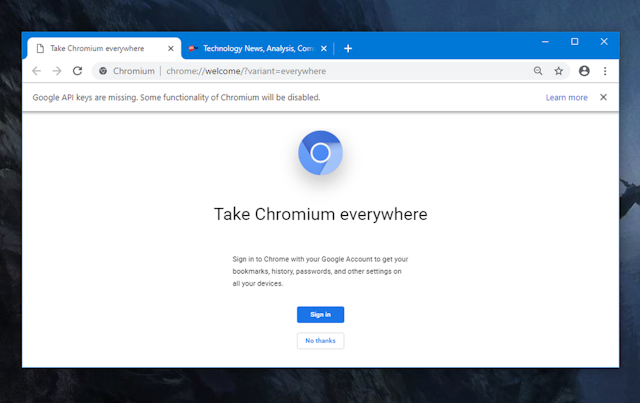
- Chromium is the foundation of open source browsers, it's lightweight and fast, respects privacy and security, and allows you to customize your interface with a little coding.
- From a development perspective it is very difficult to find experienced local devs.
- It is powerful browsing platform in your computer, even with email integration, of course there are public networks integrations too... and awesom history, bookmark and image/download file management.
- Vivaldi becomes very confusing, it is an advanced browser, which sacrifices aspects that we can find in any other browser in order to have more and better privacy, if you want a simple experience, maybe you should think twice about using this browser.
in the comparison
in the comparison
in the comparison
in the comparison
Recommendations

