
Best Construction Categories
Best Facilities Management Categories
Best Human Resources Categories
Best Legal Management Categories
Best Manufacturing Categories
Best Medical Categories
Best Property Management Categories
Get 1-on-1 advice in 15 minutes. It's free.

Josh P.

Software Advice lists all providers across its website—not just those that pay us—so that users can make informed purchase decisions. Users can talk to our advisors for free to receive software recommendations matching their needs. Software providers pay us for sponsored profiles to reach users interested in their products.
Software Advice carefully verified over 2 million reviews to bring you authentic software experiences from real users. Our human moderators verify that reviewers are real people and that reviews are authentic. They use leading tech to analyze text quality and to detect plagiarism and generative AI.
Researchers at Software Advice use a mix of verified reviews, independent research, and objective methodologies to bring you selection and ranking information you can trust. While we may earn a referral fee when you visit a provider through our links or talk to an advisor, this has no influence on our research or methodology.
Any.do vs ClickUp: Which is best for you?



per month
per month
and Demo


Features


- I most liked how its "My Day" feature and seamless integration of tasks with my calendar created a single, focused plan to manage my daily chaos.
- The most significant drawback is that many of its most powerful and useful features, like location-based reminders, advanced recurring tasks, and color-coding, are locked behind a paid premium subscription.
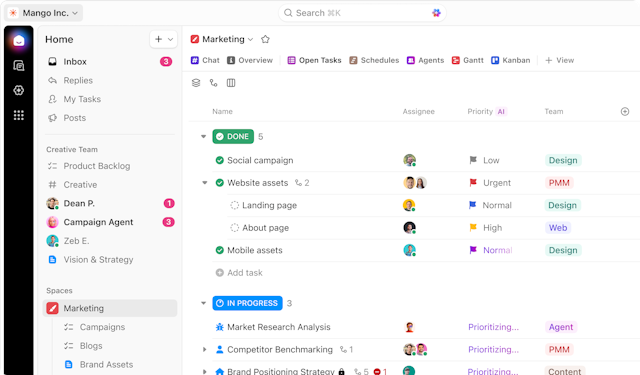
- ClickUp brings all project tracking, invoicing, and automation together so that our whole editorial team can work in full collaboration and stay on top of deadlines.
- The platform loses simplicity in favor of strong customization, and the calendar view can easily overwhelm and slow down when dealing with multiple simultaneous event schedules.
in the comparison
in the comparison
in the comparison
Recommendations


