
Best Construction Categories
Best Facilities Management Categories
Best Human Resources Categories
Best Legal Management Categories
Best Manufacturing Categories
Best Medical Categories
Best Property Management Categories
Get 1-on-1 advice in 15 minutes. It's free.

Josh P.

Software Advice lists all providers across its website—not just those that pay us—so that users can make informed purchase decisions. Users can talk to our advisors for free to receive software recommendations matching their needs. Software providers pay us for sponsored profiles to reach users interested in their products.
Software Advice carefully verified over 2 million reviews to bring you authentic software experiences from real users. Our human moderators verify that reviewers are real people and that reviews are authentic. They use leading tech to analyze text quality and to detect plagiarism and generative AI.
Researchers at Software Advice use a mix of verified reviews, independent research, and objective methodologies to bring you selection and ranking information you can trust. While we may earn a referral fee when you visit a provider through our links or talk to an advisor, this has no influence on our research or methodology.
Microsoft Teams vs Zello: Which is best for you?



per month
per month
and Demo


Features


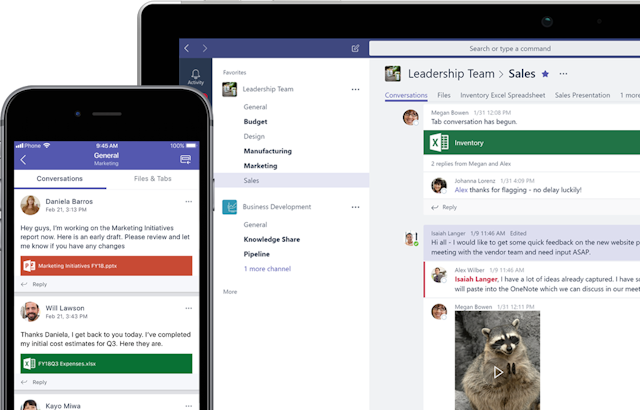
- Microsoft Teams effectively combines the instant messaging/chat interface with the video call/meeting platform within the same program, which offers an advantage over the Slack & Zoom combo I've seen in some organizations.
- Teams uses a lot of system resources on the computer. If your system has 8GB or less of memory, it will have a noticeable impact on performance.
- With the inclusion of ZELLO, our operations have been exponentially streamlined since each officer has the application on his cell phone or tablet, receiving communications directly and without delay, giving a better response to citizens in the prevention and containment of crimes.
- We are a police corporation in the state of Veracruz, Mexico. When we arrived to manage the operations, there was a fragile telecommunications infrastructure that did not support all operational services, which made it difficult to supervise officers in the field.
in the comparison
in the comparison
in the comparison
in the comparison
Recommendations


