
Best Construction Categories
Best Facilities Management Categories
Best Human Resources Categories
Best Legal Management Categories
Best Manufacturing Categories
Best Medical Categories
Best Property Management Categories
Get 1-on-1 advice in 15 minutes. It's free.

Josh P.

5 Key Medical Practice Management Software Features With Top Products That Offer Them
Selecting medical practice management software isn’t just a tech decision. It shapes how smoothly your clinic operates. From scheduling and billing to compliance and reporting, the right system can reduce administrative strain and improve patient experience.
With so many options available, the challenge is knowing which features truly matter for your practice. Understanding these essentials helps small and midsize clinics choose tools that fit their workflows, staff capacity, and patient load while avoiding costly implementation mistakes.
What medical software buyers think they need vs. what current users rate as critical
We analyzed over 1,800 advisor conversations with medical software buyers (Oct. 2024-2025) and compared them with verified user reviews to uncover a key insight: buyers and users don’t always prioritize the same features**.
Buyers prioritize electronic medical records (EMR) (87%), patient scheduling (85%), e-prescribing (57%), medical billing (54%), and telemedicine (39%).
Current users rank HIPAA compliance highest (45%), reflecting its critical role in daily operations and meeting medical legal standards.
Buyers often look for features that improve clinical workflows and patient engagement. Daily users, however, prioritize security, accuracy, and regulatory compliance. This difference means SMBs should go beyond basic functionality and assess how features work in real-world use.
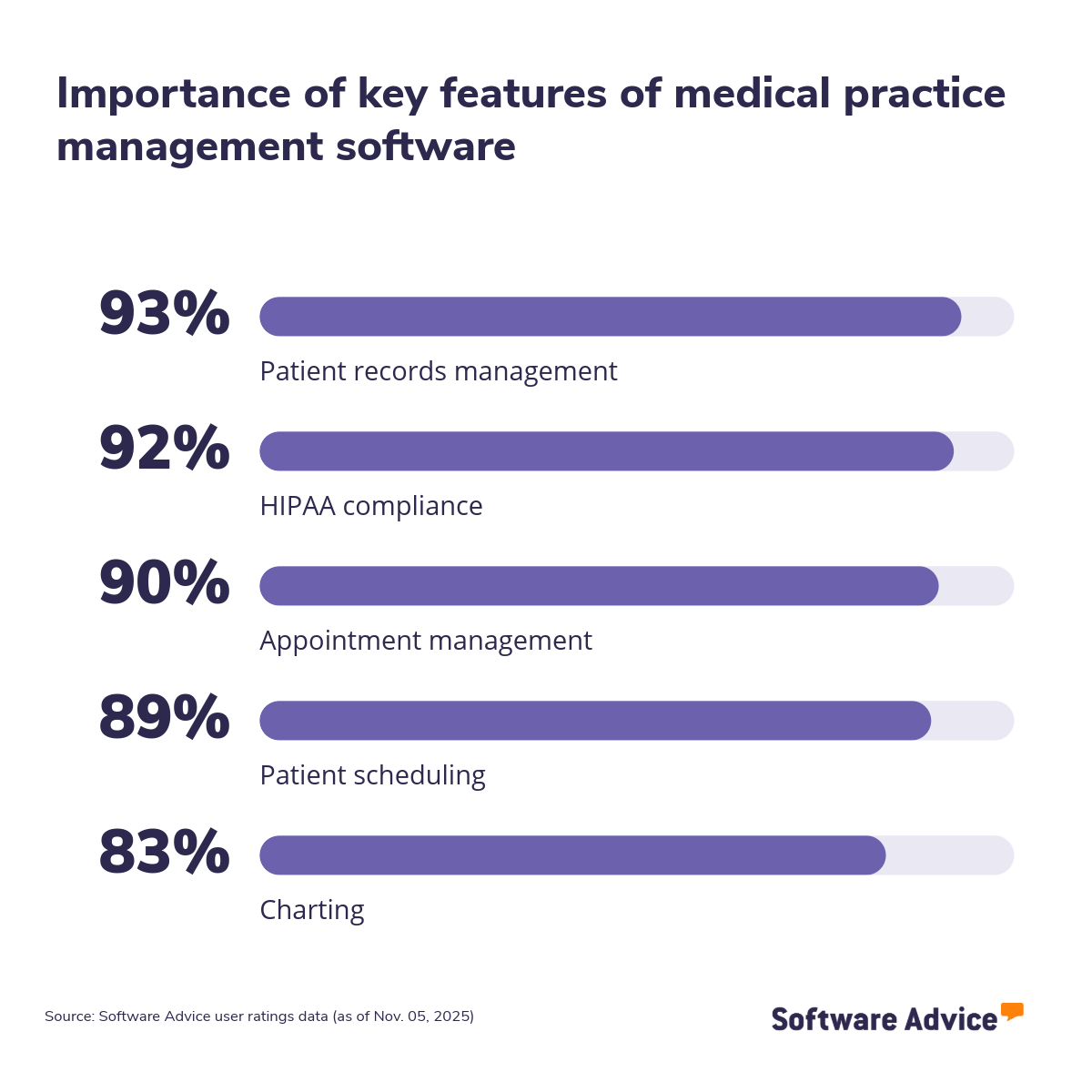
To assist you in your search, this article highlights five key features of medical practice management software, based on ratings provided by verified users of the software. We also include the highest-rated practice management software for each feature. Read more.
5 key features of medical practice management software
1. Patient records management
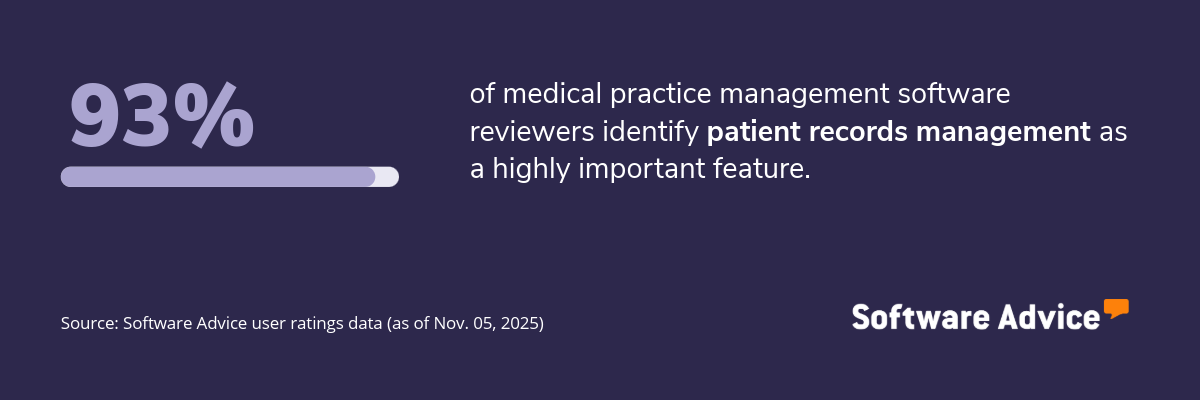
The patient records management feature in medical practice management software helps clinics securely store, organize, and retrieve patient information. It centralizes medical histories, treatment plans, prescriptions, and visit notes, making it easier for staff to access accurate data during appointments. This feature also supports compliance with healthcare regulations by maintaining structured and auditable records.
What business problems does patient records management solve?
The patient records management feature helps clinic administrators and healthcare providers solve the following challenges:
Disorganized or incomplete patient data: Clinics often struggle with accessing complete patient histories when data is scattered. Patient records management centralizes all medical information, making it easier to retrieve accurate records during consultations or in emergencies.
Time-consuming manual documentation: Staff often lose valuable time updating paper charts or navigating multiple systems. Automated record keeping feature digitizes this process enabling quick updates and instant access to patient files.
Difficulty in meeting compliance standards: Inconsistent documentation can lead to audit failures or legal issues. Patient records management helps maintain structured, secure, and traceable records that align with the Health Insurance Portability and Accountability Act (HIPAA) and other regulatory standards.
How users benefit from patient records management
Here are some excerpts from the reviewers of the patient records management feature describing how it helps them:
“Effective patient care relies on the accurate and efficient management of patient records. Data integrity, accessibility, and regulatory compliance are ensured by this feature.”
“Patient records management is very comprehensive, we are easily able to track referrals (in and out) and using the patient portal has allowed us (and our patients) to stay in tune with treatment recommendations and care.”
“When patient records are well-organized, it streamlines administrative tasks, such as scheduling appointments, processing insurance claims, and managing billing. This reduces administrative errors.”
Top 3 products with the highest ratings for patient records management
*Analysis performed November 2025

Patient records management feature rating: 5.0/5

Patient records management feature rating: 4.9/5

Patient records management feature rating: 4.7/5
2. HIPAA compliance
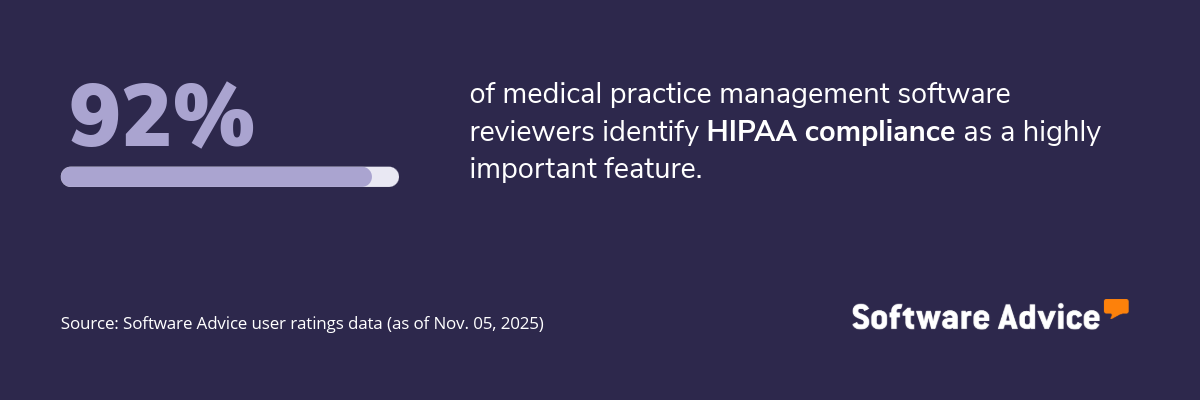
The HIPAA compliance feature ensures that medical practice management software meets the data privacy and security standards set by the Health Insurance Portability and Accountability Act (HIPAA). It helps protect patient information through access controls, encryption, audit trails, and secure communication channels, thereby reducing the risk of data breaches and legal penalties.
What business problems does HIPAA compliance solve?
The HIPAA compliance feature helps practice owners and IT administrators address the following challenges:
Data breaches: Without proper safeguards, sensitive patient data can be compromised. HIPAA-compliant systems utilize encryption and role-based access controls to safeguard information from both internal and external threats.
Uncertain legal and regulatory obligations: Many SMBs struggle to interpret and implement HIPAA rules. This feature embeds compliance protocols into daily workflows, reducing the burden of manual oversight.
Lack of visibility into data access and usage: Practices often lack tools to monitor data access and timestamps. HIPAA compliance features include audit logs and reporting tools to check activity and support investigations.
How users benefit from HIPAA compliance
Here are some excerpts from the reviewers of HIPAA compliance feature describing how it helps them:
“HIPAA compliance in Electronic Health Records (EHR) is crucial as it ensures patient data confidentiality and security. It's a legal requirement that protects both the patient's privacy rights and the healthcare provider's integrity.”
“It help us to complain with the national standards to protect our patients PHI. It improves healthcare efficiency, protects patients privacy, and ensures the security of PHI.”
“It keeps the documentation of what the patient is approving when it comes to the release of information where it is to a doctor or a spouse. It keeps in compliance with the provided information as well as the legal compliance of HIPAA.”
Top 3 products with the highest ratings for HIPAA compliance
*Analysis performed November 2025
HIPAA compliance feature rating: 5.0/5

HIPAA compliance feature rating: 4.9/5
HIPAA compliance feature rating: 4.8/5
3. Appointment management
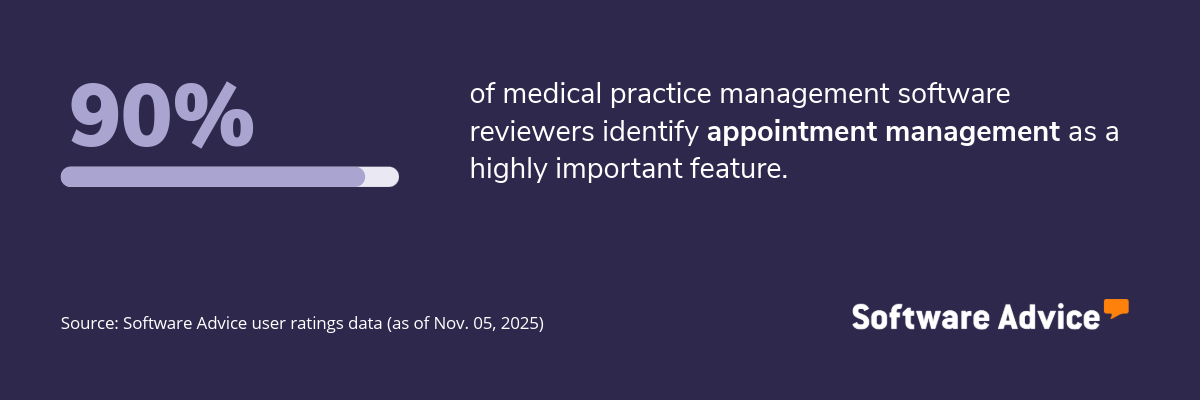
The appointment management feature helps clinics organize patient visits efficiently. It enables staff to book, reschedule, and cancel appointments while minimizing double bookings and scheduling gaps. Many tools also offer automated reminders and calendar syncing to reduce no-shows and improve patient engagement.
What business problems does appointment management solve?
The appointment management feature helps front-desk staff and clinic managers solve the following challenges:
Overlapping or missed appointments: Manual scheduling can lead to errors and inefficiencies. Appointment management tools prevent conflicts by offering real-time availability and automated scheduling rules.
High no-show rates: Missed appointments disrupt workflows and reduce income. Automated reminders and confirmations help ensure that patients arrive on time or reschedule as needed.
Difficulty in managing multi-provider calendars: Coordinating across multiple practitioners can be complex. This feature centralizes calendars and enables staff to view and manage availability across the team.
How users benefit from appointment management
Here are some excerpts from the reviewers of the appointment management feature describing how it helps them:
“Appointment Management is the starting point for front desk of the Medical Clinic. This enables front desk executives to plan the # of patients coming in each day along with all patient details that can be viewed in a click.”
“Proper appointment scheduling can help optimize the use of its resources by ensuring that they are not overbooked or underutilized. Besides, it allows patients to easily access their scheduled appointments and can help providers stay organized and on top of their workload.”
“Our clients love the convenience of being able to book appointments online. As a small clinic without an admin team we love the automated recall system, ability to access the schedule via mobile device and text message capability.”
Top 3 products with the highest ratings for appointment management
*Analysis performed November 2025
Appointment management feature rating: 5.0/5

Appointment management feature rating: 4.7/5

Appointment management feature rating: 4.7/5
4. Patient scheduling
The patient scheduling feature focuses on assigning patients to the right provider at the right time, based on availability, specialty, and urgency. It supports recurring appointments, waitlist management, and online booking, helping clinics optimize their time and resources.
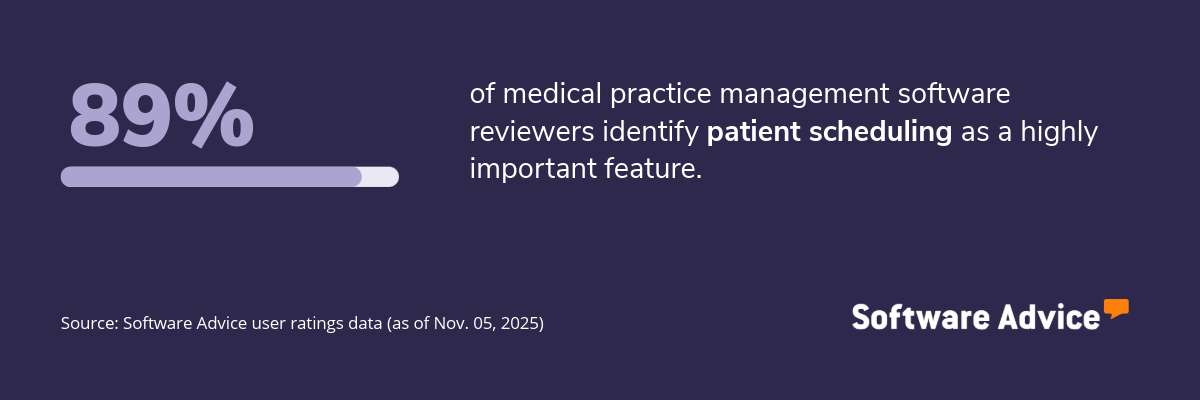
What business problems does patient scheduling solve?
The patient scheduling feature helps clinic coordinators and operations leads address the following challenges:
Inefficient use of provider time: Without smart scheduling, providers may be overbooked or have free time due to uneven distribution of appointments. This feature balances appointments across staff to maximize productivity.
Limited remote scheduling: Patients often want to book appointments outside of office hours. Online scheduling tools allow 24/7 access, improving convenience and reducing phone traffic.
Long wait times: Poor scheduling can lead to delays and dissatisfaction. Patient scheduling tools help prioritize urgent cases and manage waitlists, thereby improving service delivery.
How users benefit from patient scheduling
Here are some excerpts from the reviewers of the patient scheduling feature describing how it helps them:
“Scheduling patients helps me not to overlap patients, plan the rooms correctly, allocate doctors and nurses time adequately based on the procedure.”
“Ensures efficient appointment management, optimizes physician availability, reduces no-shows, and enhances patient access to care.”
“It helps us to see cancellations so the patient does not have to call in and we can fill that slot and call patient to reschedule.”
Top 3 products with the highest ratings for patient scheduling
*Analysis performed November 2025
Patient scheduling feature rating: 4.7/5
Patient scheduling feature rating: 4.6/5
Patient scheduling feature rating: 4.5/5
5. Charting
The charting feature allows providers to document patient encounters, diagnoses, treatment plans, and progress notes in a structured format. It often includes templates, voice dictation, and customizable fields to speed up documentation and ensure consistency across records.
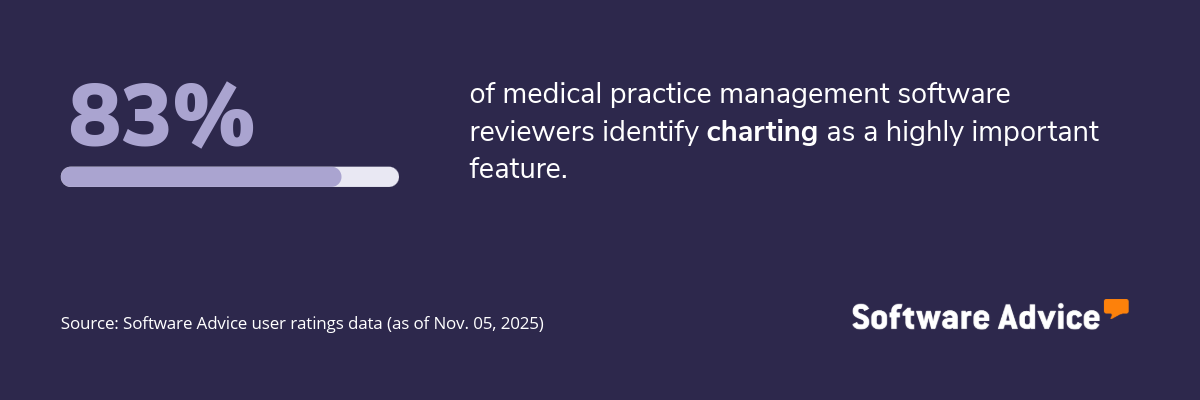
What business problems does charting solve?
The charting feature helps physicians and nurse practitioners solve the following challenges:
Inconsistent or incomplete clinical documentation: Manual note-taking can lead to gaps in patient records. Charting tools standardize documentation and prompt providers to include key details.
Time-consuming paperwork: Providers often spend hours on documentation. Features like templates and voice input reduce the time spent on notes, allowing for more focus on patient care.
Ineffective progress tracking: Without structured notes, it’s hard to monitor changes. Charting tools organize historical data, making it easier to assess treatment outcomes and adjust plans.
How users benefit from charting
Here are some excerpts from the reviewers of the charting feature describing how it helps them:
“I find being able to review daily patient records helpful, I can see trends in eliminations, I can review what has been fed in the past and what the pt prefers. I make detailed notes so that treatments go well for shifts that follow my shift.”
“It is a requirement for every clinical interaction we have, and contains information that will follow the client throughout their life. It is the context with which providers formulate clinical treatment plans, insurance companies base their billing/reimbursement, and licensing boards/courts/ethics committees can evaluate standards of care.”
“The charting allows our nursing staff to monitor residents' activities of daily living and day to day habits and behaviors to analyze any changes in resident health or wellbeing.”
Top 3 products with the highest ratings for charting
*Analysis performed November 2025
Charting feature rating: 4.7/5
Charting feature rating: 4.7/5
Charting feature rating: 4.1/5
Survey methodology
Key features: To identify the key features of this article, we asked users to rate, on a scale of “low importance” to “critical,” how important different features are for medical practice management software. The features showcased are those that the highest percentage of reviewers rated as “highly important” or “critical” over the past two years (as of Nov. 05, 2025).
Feature eligibility: To be included in the set of features considered, a given feature had to have at least 200 user ratings within the past two years (as of Nov. 05, 2025), of which at least 20% must indicate the feature is “critical.” Eligible features were determined from two sources:
Our research team’s review of public information about medical practice management software usage, definitions, and associated features.
Reviewers’ indication of the features they use for medical practice management.
Product selection: To identify the top-rated products per feature, we evaluated user ratings for products that offer each feature. For a given product, reviewers rate each feature on a scale of one to five stars. A given product had to have at least 20 user ratings (between Nov. 2023-25) for the feature in question to be considered.