
Best Construction Categories
Best Facilities Management Categories
Best Human Resources Categories
Best Legal Management Categories
Best Manufacturing Categories
Best Medical Categories
Best Property Management Categories
Get 1-on-1 advice in 15 minutes. It's free.

Josh P.

5 Key Field Service Management Software Features With Top Products That Offer Them
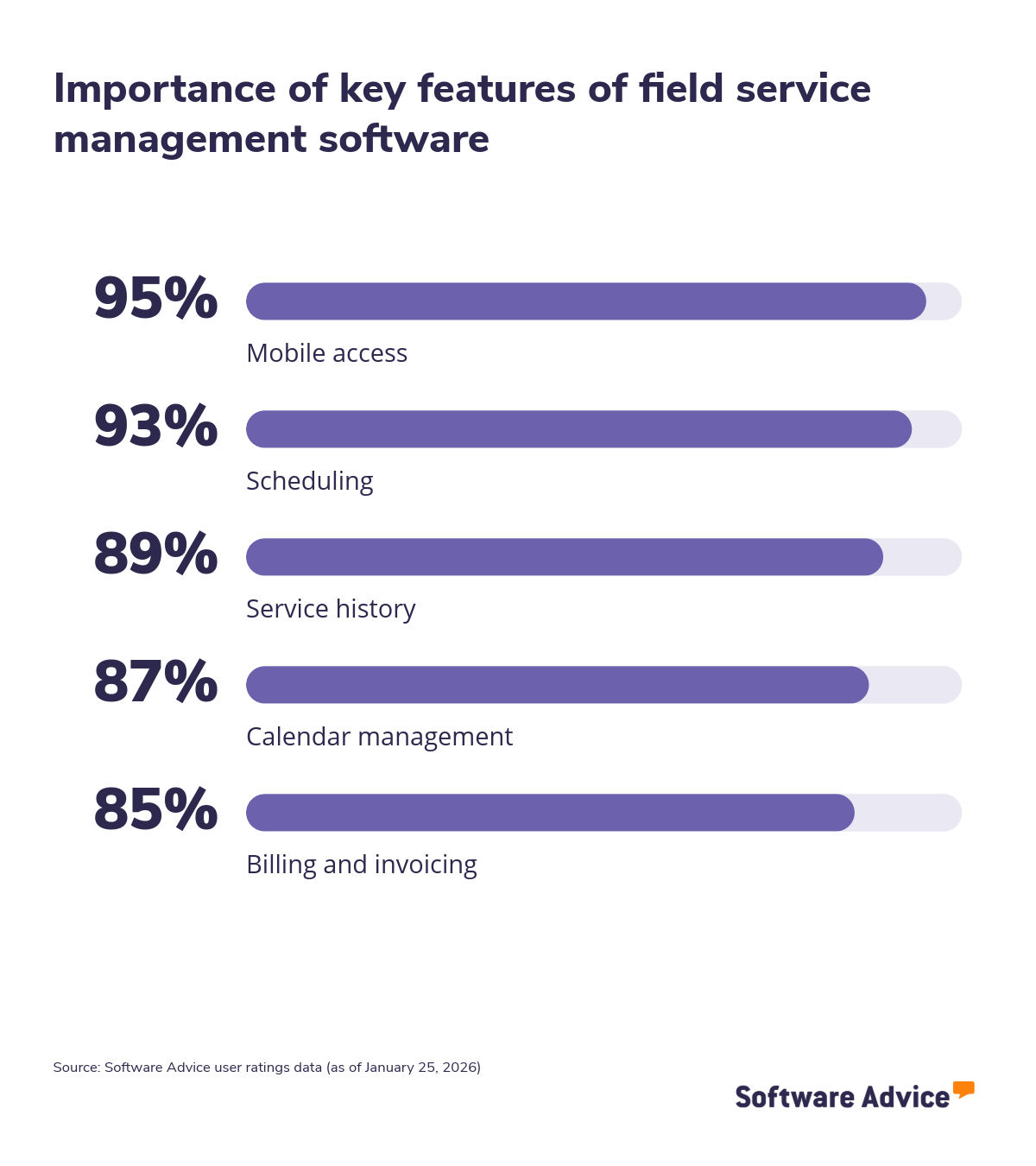
Managing field operations involves coordinating technicians, schedules, service requests, and customer expectations across multiple locations and timeframes. Field service management (FSM) software helps organizations handle this complexity by bringing activities such as dispatching, work order management, and job tracking into a single system. Because many tools offer overlapping capabilities, knowing which features matter most helps buyers focus on practicality and not just feature lists. To help you with your search, we’ve determined five key field service management software features based on the ratings given by verified software users. We also include the three highest-rated field service software for each feature.
1. Mobile access
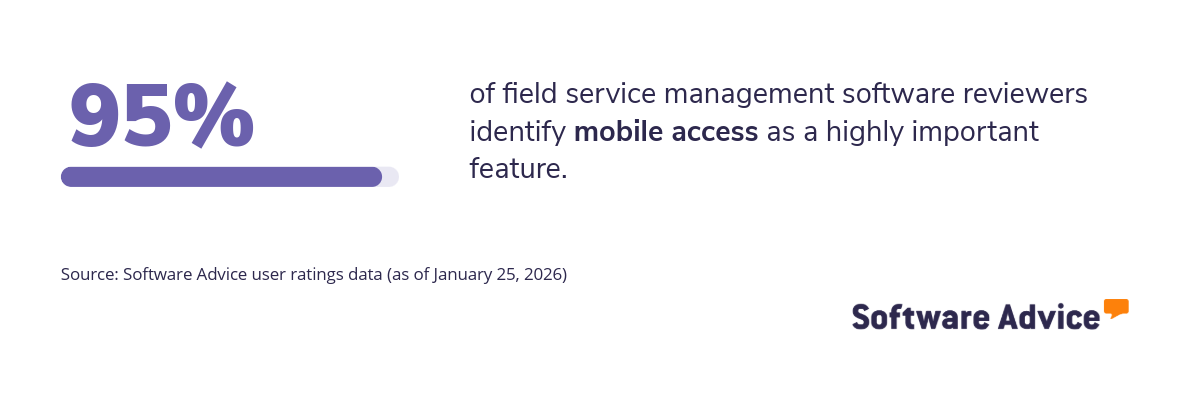
Mobile access is a core feature of field service management (FSM) software that allows technicians and field teams to access job details, customer information, and work orders from smartphones or tablets. It supports real-time data capture and communication between the field and the office, helping organizations maintain visibility into field activities and keep records up to date without relying on manual processes.
What business problems does the mobile access feature solve?
The mobile access feature helps field service professionals solve the following challenges:
Delayed job updates: When job progress is not recorded until after fieldwork is completed, service teams operate with outdated information. Mobile access allows technicians to update job status, time logs, and outcomes as work happens, helping office teams maintain accurate schedules and respond to changes faster.
Paper-based field workflows: Paper forms and manual data entry increase the risk of lost information and errors. Mobile access replaces paper workflows with digital forms, allowing technicians to capture notes, photos, signatures, and parts usage directly within the FSM system.
Poor on-site decision-making: Without access to asset histories, service instructions, or customer details, technicians may need follow-up visits. Mobile access provides relevant information on-site, helping field staff resolve issues during the first visit and reduce repeat work.
How users benefit from the mobile access feature
Here are some excerpts from the reviewers of the mobile access feature describing how it helps them:
“Our field technicians are able to track and update calls even when outside the office.” “The mobile access is absolutely critical in our day to day function. We use it to leave digital door hangers for our customers to keep them and back of house in the loop. The biggest thing is that we take a picture of the gates to insure they’re shut.” “All my guys use it on their phones, so we have to have this option. Love it.”
Top 3 products with the highest ratings for mobile access
*Analysis performed January 2026

2. Scheduling
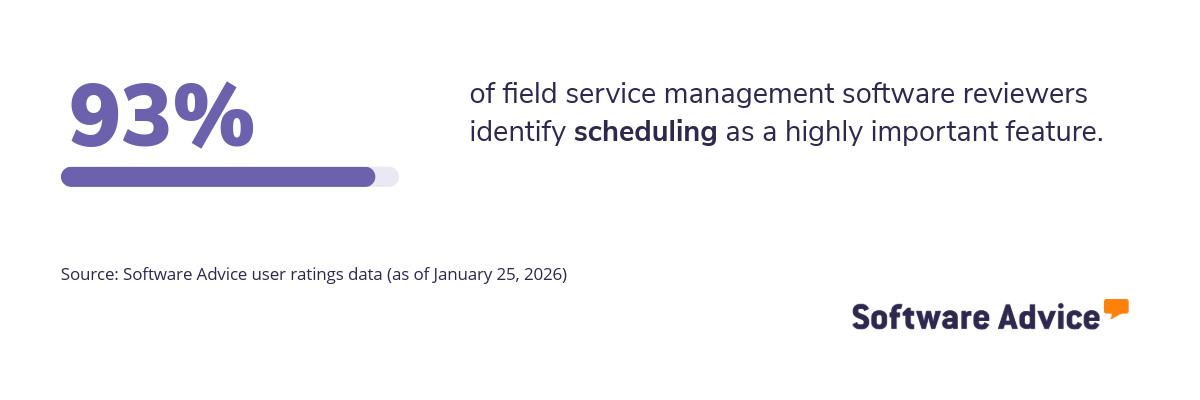
Scheduling is another important feature of field service management (FSM) software that helps organizations assign the right technician to the right job at the right time. It brings together technician availability, skills, location, and job priorities in one place, enabling service teams to plan daily operations and adjust schedules as conditions change in the field.
What business problems does the scheduling feature solve?
The scheduling feature helps field service professionals solve the following challenges:
Inefficient technician utilization: Without structured scheduling, technicians may be overbooked, underused, or assigned to jobs outside their skill set. Scheduling tools match jobs to technician availability and capabilities, helping teams distribute work more evenly and reduce idle or overtime hours.
Late arrivals and missed appointments: Manual scheduling and poor visibility into routes can lead to delays and missed service windows. Scheduling features account for job duration, travel time, and priority levels, helping teams plan realistic timelines and improve on-time arrival rates.
Slow response to changes: Last-minute cancellations, emergency jobs, or technician absences can disrupt daily plans. Scheduling tools allow dispatchers to quickly reassign jobs and update schedules in real time, minimizing service delays and operational disruption.
How users benefit from the scheduling feature
Here are some excerpts from the reviewers of the scheduling feature describing how it helps them:
“We have a dedicated scheduler who is able to plan and execute hundreds of service tasks per month. They are also able to share the workload of scheduling with other team members and deal with call-outs , cancellations, and changes with ease.” “Easy to schedule jobs, one day or multi-day jobs that span a while. You can visualize your team and schedule instead of just “winging it”.” “It allows for in the moment adjustments & ease of changing in a timely manner.”
Top 3 products with the highest ratings for scheduling
*Analysis performed January 2026

3. Service history
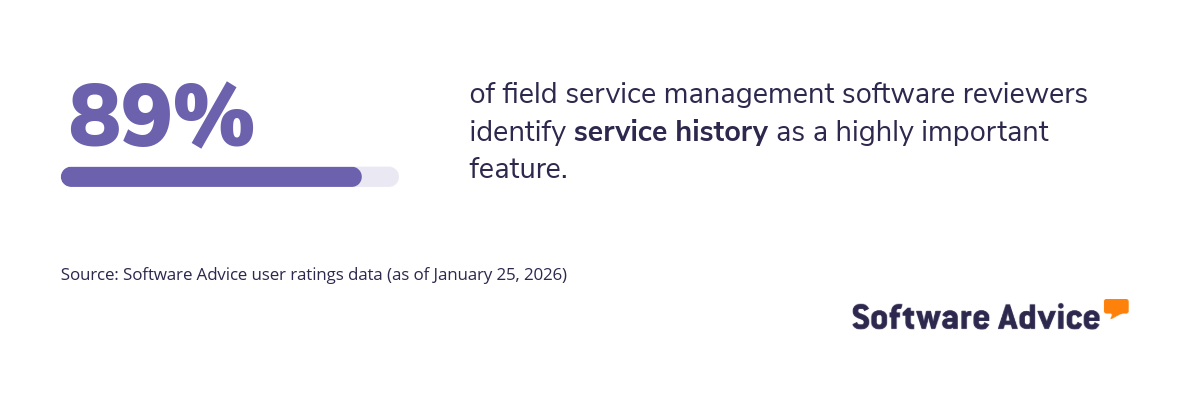
The service history feature helps field service teams maintain a continuous record of past jobs, repairs, parts used, and technician notes for each customer or asset. In field service management software, this feature ensures that historical service data is easily accessible across field and office teams. Having this context available before and during a job supports more informed service decisions and helps teams maintain consistency as assets and customers are serviced over time.
What business problems does the service history feature solve?
The service history feature helps field service professionals solve the following challenges:
Repeat issues and revisits: Without visibility into previous repairs, the same problems may recur. Service history provides previous work details to help technicians diagnose root causes and reduce revisits.
Inconsistent service quality: The service history feature provides visibility into past diagnoses, actions taken, and outcomes, helping technicians follow established service patterns. This consistency supports more predictable results and reduces variation in service delivery across teams and locations.
Weak customer visibility: Without records of past interactions, service teams may miss important asset or customer details. Service history gives both field and office teams a complete view of prior services, improving communication and continuity across visits.
How users benefit from service history
Here are some excerpts from the reviewers of the service history feature describing how it helps them:
“Being able to see what has transpired in the past helps future direction.” “Being able to document service history for my customers pools gives me instant access to information if I need it. Much more useful and convenient than using physical files.” “History is important so we can go back and see what we have done at the customers place. ”
Top 3 products with the highest ratings for service history
*Analysis performed January 2026


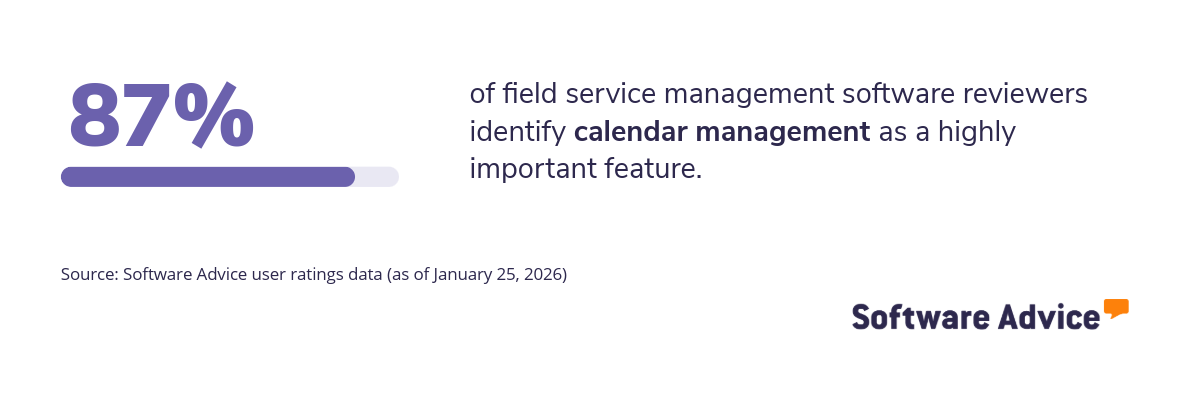
4. Calendar management
The calendar management feature helps field service teams coordinate technician schedules, job timelines, and availability within a single shared view. In field service management software, it supports day-to-day planning by aligning service appointments with resource availability, helping teams manage workloads and maintain clarity across ongoing and upcoming jobs. This shared scheduling structure also makes it easier to spot gaps, overlaps, and upcoming constraints before they affect service delivery.
What business problems does the calendar management feature solve?
The calendar management feature helps field service professionals solve the following challenges:
Double-booking and conflicts: When schedules are managed across spreadsheets or disconnected tools, overlapping jobs and resource conflicts are common. Calendar management provides a centralized view of appointments and availability, reducing scheduling errors and last-minute changes.
Limited capacity planning: Without clear insight into upcoming workloads, teams may overcommit or underutilize technicians. Calendar views help managers assess capacity across days or weeks, supporting more balanced workload planning.
Poor visibility across teams: Field and office teams often lack shared visibility into who is assigned to what and when. Calendar management gives all stakeholders a consistent view of schedules, improving coordination and reducing miscommunication.
How users benefit from calendar management
Here are some excerpts from the reviewers of the calendar management feature describing how it helps them:
“I can schedule for future appointments for jobs and for things like material pick ups and doctor appointments. ” “I can easily change appointments by dragging and dropping as well as editing the request or work order.” “I am very scatter brained, having the ability to build in my personal schedule along with my work schedule has been key to my continued success.”
Top 3 products with the highest ratings for calendar management
*Analysis performed January 2026


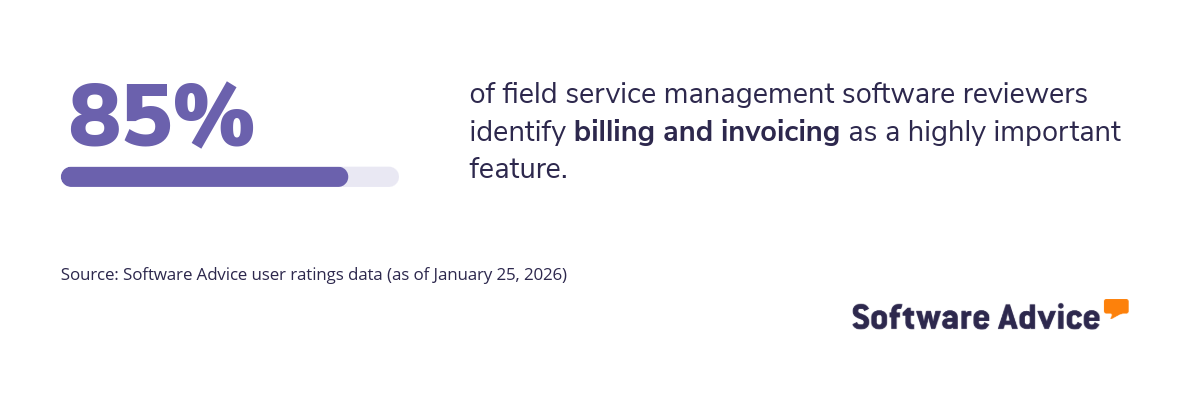
5. Billing and invoicing
The billing and invoicing feature helps field service teams convert completed work into accurate customer charges without relying on manual follow-ups. By linking service activities such as labor, parts usage, and job completion directly to invoicing workflows, this feature helps reduce billing delays and ensures financial records stay aligned with what happens in the field.
What business problems does the billing and invoicing feature solve?
The billing and invoicing feature helps field service teams solve the following challenges:
Outdated job status: When billing teams rely on delayed or incomplete job updates, invoices may be created late or with missing details. Billing and invoicing tools pull data directly from completed work orders, ensuring invoices reflect the most current job status and service details.
Reactive decision-making: Without timely billing data, managers may only identify revenue issues after delays occur. Integrated billing allows teams to monitor billable work as jobs are completed, supporting more proactive financial tracking and faster follow-ups.
Poor operational visibility: When billing teams lack real‑time visibility into job completion, invoices are often delayed or created with missing details. The billing and invoicing feature uses live job data from the field to trigger timely, accurate invoicing, helping teams keep billing aligned with actual work completed and improve overall revenue visibility.
How users benefit from billing and invoicing
Here are some excerpts from the reviewers of the billing and invoicing feature describing how it helps them:
“It’s simple and seamless and allows me to get invoices together quickly for a fast turn around on payment.” “Billing and invoicing are straightforward and efficient. It keeps our financial records organized, allows us to send polished invoices quickly, and reduces the hassle of manual paperwork. This feature alone saves us a lot of admin time.” “This is one of the best options. Your invoices look clean and professional.”
Top 3 products with the highest ratings for billing and invoicing
*Analysis performed January 2026

Survey methodology
Key features: To identify the key features of this article, we asked users to rate, on a scale of “low importance” to “critical,” how important different features are for field service management software. The features showcased are those that the highest percentage of reviewers rated as “highly important” or “critical” over the past two years (as of January 25, 2026).
Feature eligibility: To be included in the set of features considered, a given feature had to have at least 200 user ratings within the past two years (as of January 25, 2026), of which at least 20% must indicate the feature is “critical.” Eligible features were determined from two sources:
Our research team’s review of public information about field service management software usage, definitions, and associated features.
Reviewers’ indication of the features they use for field service management.
Product selection: To identify the top-rated products per feature, we evaluated user ratings for products that offer each feature. For a given product, reviewers rate each feature on a scale of one to five stars. A given product had to have at least 20 user ratings (between January 2024-2026) for the feature in question to be considered.
Review excerpts selection: Review excerpts are passages extracted from longer reviews written by verified reviewers. We obtain these excerpts by applying an algorithm that considers factors including, but not limited to, length, sentiment, topic coverage, and thematic relevance. Excerpts represent user opinion and do not represent the views of, nor constitute, an endorsement by Capterra or its affiliates. Excerpts are not edited for clarity or grammar.