
Best Construction Categories
Best Facilities Management Categories
Best Human Resources Categories
Best Legal Management Categories
Best Manufacturing Categories
Best Medical Categories
Best Property Management Categories
Get 1-on-1 advice in 15 minutes. It's free.

Josh P.

How Accounting Firms Can Use Software to Keep and Win Clients in 2026
Keeping a client is more profitable than finding new ones. That's why 55% of accounting firms have recently invested in, or plan to invest, customer relationship management (CRM) systems, according to Software Advice’s 2026 Software Buying Trends survey*.
Clients rarely leave because the work is wrong; it’s the experience around it. Delayed responses, unclear updates, and friction in simple tasks like document exchange or invoice payment quietly drive churn.
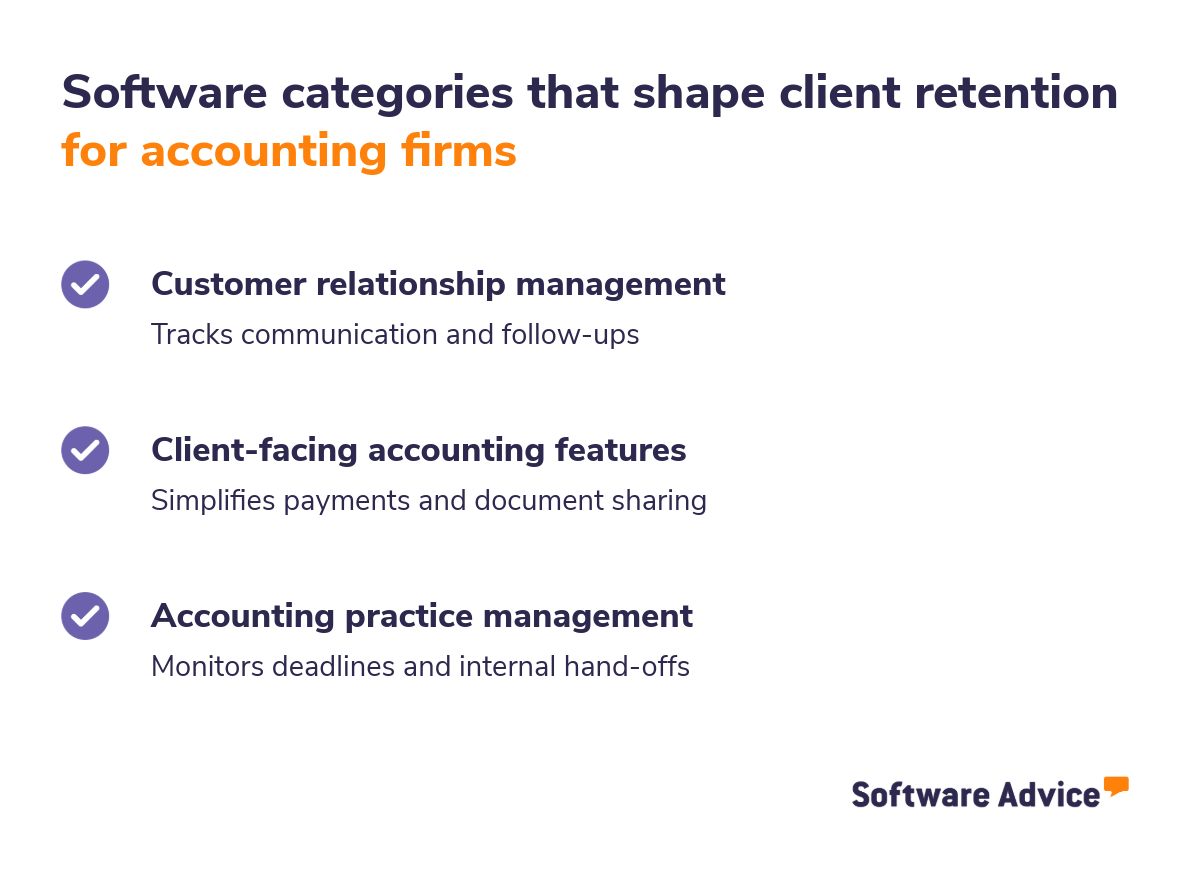
What’s the takeaway? This article covers three software categories that directly impact customer retention for accounting firms, and what to look for in each.
Key takeaways
CRMs fix communication gaps and inconsistent follow-ups
Client-facing accounting features reduce friction in payments and document exchange
Practice management prevents internal handoffs from becoming client problems
Start by diagnosing where your friction lives, not by buying software
The retention problem accounting firms don't see coming
Most accounting firms assume they'll hear about it if a client is unhappy. They won't. Clients rarely complain, they just don’t end up coming back.
What usually happens: When a client can't find last month's statement, they email you, and wait for a reply. When they want to pay an invoice, they wait for a PDF. When they have a question mid-engagement, they wonder if anyone's tracking it.
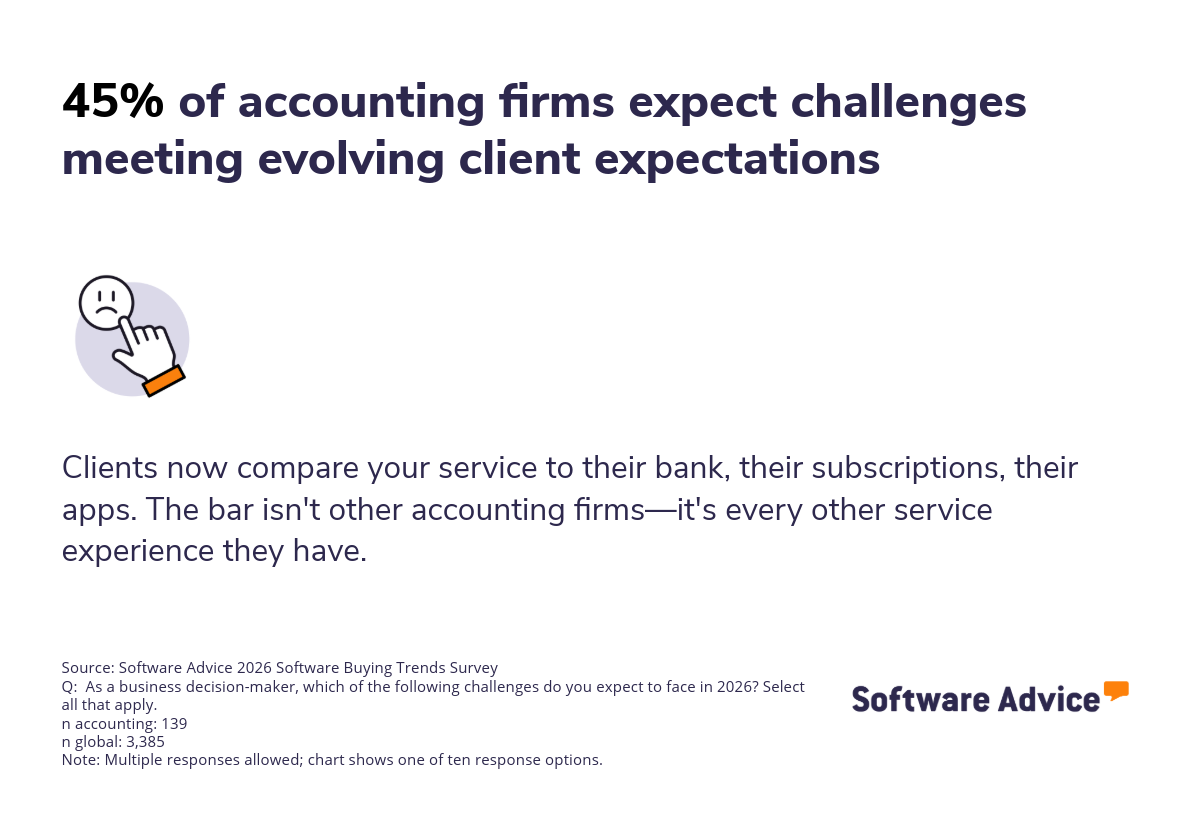
None of it feels like a crisis. But then the engagement ends, and you never learn why. This is called ‘silent churn,’ and it's accelerating. Nearly half of accounting professionals anticipate challenges meeting client expectations this year. The firms that retain clients in 2026 won't just do good work—they'll make working with them feel effortless.
Three software categories that directly impact client retention
Each category below solves a different part of the client experience: Communication, self-service, and delivery. The right choice depends on where your firm's friction lives.
1. Customer relationship management (CRM) for accountants
If your team can't quickly answer ‘When did we last talk to this client?’ or ‘Who handled their last request?,’ that's the gap a CRM software fills.
Most accounting firms have client information scattered across inboxes, spreadsheets, and memory. It works until someone's out sick, a client calls with a question, or a follow-up slips.
CRM software centralizes communication history so nothing depends on one person remembering everything.
Why this matters for accounting firms
Accounting is shifting from compliance work to advisory services. Clients can get tax prep and bookkeeping anywhere, so they’ll end up staying for the relationship.
Advisory means more frequent touchpoints: Quarterly reviews, proactive check-ins, and ad-hoc questions. Without a system tracking those interactions, details get missed.
The firms that win on retention will be easier to reach, respond faster, and remember what was discussed six months ago without the client having to repeat it.
What features to look for
Contact management and client history. Every email, call, and meeting should be logged in one place. When a client calls, anyone on your team should be able to see the full relationship history in seconds.
Automated reminders and follow-ups. Consistent check-ins build trust. A CRM can prompt you to reach out after quarterly close, before renewal periods, or simply when a client's gone quiet for 90 days.
Integration with your accounting software. Client records should sync automatically. If your team has to update two systems, they likely won't, and your CRM data goes stale.
Pipeline tracking for prospects. CRM isn't just for existing clients. It helps you track referrals, manage leads, and ensure no prospect goes cold while you're busy with existing work.
Rajesh C
President, Financial Services
CRM is the right fix, if:
Follow-ups slip through the cracks, and clients feel like they have to re-explain their situation every time they call. Another issue that you see is your team spending ten minutes hunting for context before every meeting.
This means the problem isn't your people, it's that you're relying on memory and inboxes instead of a dedicated system.
Top CRM options for accounting firms
Our 2026 Software Advice FrontRunners list for CRM identifies the highest-rated and most popular products based on a proprietary blend of user ratings and popularity scores. The products below are selected for their fit with small and midsize accounting firms.
Analysis performed in January 2026

Why it fits: Built specifically for small businesses. No complex setup, no feature bloat. If your firm has never used a CRM before, this is a low-friction starting point.

Why it fits: Strong automation features at accessible price points. If you're already using Zoho Books or other Zoho tools, the integration is fairly seamless. Good for firms ready to systematize follow-ups.

Why it fits: The visual pipeline view makes it easy to see where every client and prospect stands. It’s also highly rated for user interface.
Explore more options: Browse all CRM software for accounting firms.
2. Client-facing features in accounting software
Your accounting software handles the work—but does it make things easy for your clients?
Many firms choose accounting software based on internal needs like reporting, compliance, and integrations with tax tools. That makes sense. But the same software also shapes how clients interact with you: How they send documents, pay invoices, check on progress. If those experiences are clunky, clients notice.
Blake Oliver
CPA and host of the Accounting Podcast
This is what silent churn looks like in practice. The client doesn't complain; they just remember that paying you was annoying.
What features to look for
Client portal for document exchange. Clients should be able to upload and access documents in one secure place. This means no email attachments, no ‘which version is latest?’ confusion.
Online invoice payment. If clients have to print a PDF, write a check, or call to give a card number, you're creating friction. One-click payment options reduce late payments and improve client experience.
Real-time status visibility. Clients shouldn't have to email asking ‘where are we on this?’. A portal where clients can check if their documents were received, whether work has started (like a prepaed tax return), and when to expect completion. Fewer status-check emails means less uncertainty for clients.
Automated notifications. Reminders for upcoming deadlines, confirmations when documents are received, and alerts when something needs client action.
Client-facing accounting features are the right fix, if:
Your clients ask questions you've already answered. They're slow to send documents or pay invoices, not because they're difficult, but because your process is. You hear "I didn't see that email" more than you'd like.
This means the issue isn't the quality of your accounting. It's that your software isn't working hard enough on the client's side of the relationship.
Top accounting software with strong client-facing features
Software Advice FrontRunners for Accounting identifies the highest-rated and most popular products based on a proprietary blend of user ratings and popularity scores. The products below are selected for their client-facing features.
Analysis performed in January 2026

Why it fits: They have a top-rated mobile app, which means clients can view and pay invoices from their phone in seconds. Built for service businesses where the invoice is the client experience. Less depth on complex accounting, but if your clients are small businesses, that's a feature, not a bug.

Why it fits: Highly rated for automation with recurring invoices, payment reminders, and follow-ups that can run without your team manually triggering them. Popular with accountants who want fewer repetitive tasks and a clean interface that clients can navigate.
Want help narrowing options? Explore more options in our accounting directory, or talk to an advisor to find the right fit.
3. Accounting practice management software
Practice management is the back-office engine, and helps manage task assignments, deadlines, workflow tracking, and team visibility. It doesn't touch clients directly, but clients feel it when it breaks down.
A missed deadline, a dropped handoff between team members, a tax return that sat in someone's queue too long; these show up as client problems even though they started as internal ones.
Why this matters for accounting firms
Half of accounting professionals cite training and upskilling employees as a top challenge this year. On top of that, 45% struggle with recruiting and retaining talent. Fewer people means more work and higher stakes.
When your team is stretched, things get missed. Practice management software doesn't fix the talent shortage, but it makes sure nothing falls through because someone forgot, lost track, or didn't know it was their turn.
What features to look for
Task assignment and deadlines. Every engagement should have clear ownership and due dates. No more ‘I thought you were handling that.’
Workflow templates. Repeatable processes like tax prep, monthly close, and onboarding should run the same way every time, without someone manually remembering each step.
Team visibility. Managers should be able to see workloads at a glance. If one person is buried and another has capacity, you should know before a deadline slips.
Client-linked records. Tasks should connect to clients. When someone picks up an engagement, they shouldn't have to hunt for context.
Robert A
Tax Preparer, Accounting
Practice management is the right fix if:
Your team is competent but things still slip. Deadlines get missed because no one saw them coming. You've lost a client and later realized the problem started with an internal handoff weeks earlier. This means the work is fine, but the system around the work isn’t.
Top practice management software for accounting firms
Software Advice FrontRunners for Accounting Practice Management identifies the highest-rated and most popular products based on a proprietary blend of user ratings and popularity scores. The products below are selected for their fit with small and midsize accounting firms.
Analysis performed in February 2025

Why it fits: If you need dedicated practice management, TaxDome is built for this, specifically for accounting and tax firms. It combines practice management, client portal, and CRM in one platform. One system, one login—no stitching tools together.

Why it fits: Strong time tracking and project visibility. If your firm bills hourly or needs to understand where time goes, this surfaces that data. The platform also helps catch capacity issues before they become missed deadlines.
Why it fits: If you already use Xero for accounting, check its workflow features before buying a separate tool. Not as deep as dedicated tools, it has fewer integrations, and one less login may be a win for small firms.
Explore more: Browse practice management software for accountants.
Want a shortcut? Talk to an advisor, they'll help you figure out if you need a dedicated tool or if your current stack already covers it.
Before you buy: A quick self-assessment
Match the symptom to the solution
If clients say (or you suspect)... | The problem is... | Start with... |
|---|---|---|
"I never hear from you between deadlines" | Communication gaps | CRM |
"Paying you/sending documents is a hassle" | Transactional friction | Client-facing accounting features |
"Things seem to fall through the cracks" | Internal handoffs | Practice management |
More than one of the above | Tool fragmentation or process gaps | Talk to an advisor before buying |
Source: Software Advice (2026)
Quick gut-check:
Can you name the last proactive touchpoint with your top 10 clients? If not, consider CRM.
Can clients pay you in under 60 seconds? If not, check your accounting software's client features.
Did any deadline slip in the last quarter because of a handoff? If yes, look at practice management.
If you're considering multiple tools, prioritize integration or look at all-in-one platforms like TaxDome that combine CRM, client portal, and practice management.
Still unsure where to start? Talk to a Software Advice advisor to diagnose before you buy. Schedule a free consultation.
Frequently asked questions (FAQs)
What's the difference between CRM and practice management software?
A CRM tracks your relationship with clients, including communication history, follow-ups, essentially who said what and when. Practice management tracks tasks, deadlines, assignments, and workflows. Some tools, like TaxDome, combine both.
Do I need separate software for client retention, or can my accounting software handle it?
That depends on your accounting software. Some platforms like FreshBooks and Xero include client portals, online payments, and automated reminders. Others focus on the books and leave client experience to other tools. Check what your current software actually offers before buying something new.
How do I know if client churn is a software problem or a service problem?
Ask yourself: Are clients leaving because the work is average, or because working with you is frustrating? If deliverables are accurate but clients still leave, complain about communication, or go quiet before not renewing, that's likely a software and process problem, not a service quality problem.
Can a small firm justify paying for CRM?
Yes, a small firm can justify paying for a CRM tool if follow-ups are slipping or client history lives in people's heads. CRM doesn't have to be expensive; tools like Less Annoying CRM are built for small teams and cost less than one lost client.
Should I buy one all-in-one tool or best-of-breed for each category?
All-in-one systems (like TaxDome) reduce complexity, and best-of-breed gives stronger features in each category but requires more setup and maintenance. The answer depends on your firm's needs and concerns you’re facing in retention.
Survey methodology
*Software Advice’s 2026 Software Buying Trends survey was conducted online in August 2025 among 3,385 respondents in Australia (n=281), Brazil (n=278), Canada (n=293), France (n=283), Germany (n=279), India (n=260), Italy (n=263), Mexico (n=288), Spain (n=273), the U.K. (n=299), and the U.S. (n=588), at businesses across multiple industries, ages (1 year in business or longer), and sizes (5 or more employees). Business sizes represented in the survey include: 1,676 small (5-249 full-time employees), 822 midsize (250-999), and 887 enterprise (1,000+). The goal of this study was to understand the timelines, organizational challenges, research behaviors, and adoption processes of business software buyers. Respondents were screened to ensure their involvement in business software purchasing decisions.