
Best Construction Categories
Best Facilities Management Categories
Best Human Resources Categories
Best Legal Management Categories
Best Manufacturing Categories
Best Medical Categories
Best Property Management Categories
Get 1-on-1 advice in 15 minutes. It's free.

Josh P.

Construction Budget Management: 4 Features That Prevent Cost Overruns
Most general contractors (GCs) run multiple projects at once. Each one lives in its own spreadsheet, its own version of the truth. Estimates in one place. Budgets in another. Change orders get approved over text and are never logged. And by the time the numbers land in accounting, it's history, not something you can act on.
Construction projects stay on budget when you have three things:
Estimates that connect directly to your budget
Real-time visibility into costs as they happen
Change orders that automatically update your numbers
Without these, you are reacting to overruns instead of preventing them.
Why you should read on: This guide breaks down the four software in construction management software that actually prevent budget overruns, based on what users rate as most critical and what comes up most in software evaluations.* For each feature, we cover what it does, why it matters, what to look for in demos, and which products deliver it best.
Why do construction projects go over budget?
Budget failures rarely come from one big mistake. They come from small disconnects that compound across a project.
The estimate-to-actuals gap
You estimated $120k for a remodel, but you’ve spent $140k. Where did the remaining $20k go? The estimate was built in one system, the budget tracked in another, and actuals pulled from a third. The categories don't match, and the line items don't map. By the time you reconcile, the project is already over.
Delayed visibility
Your crew logs time on Friday. You see it Monday. Material receipts sit in someone's truck until the end of the week. By the time costs hit the budget, you are not managing. You are reacting.
Multi-project blindness
Most contractors aren’t managing a single job. They are juggling eight or twelve at once, each living in its own spreadsheet or folder. Which one is bleeding? You will not know until you open each one, and you don't have time to do that daily.
Disconnected systems
Estimating software doesn't talk to project management, which doesn't talk to accounting. So every number gets re-entered, re-categorized, and re-checked across systems. And still, things slip through.
Scope creep without documentation
The client asks for one more outlet, then a different tile. Then a relocated wall. Each change gets done, but nobody updates the budget. By project end, you have absorbed thousands in undocumented changes.
Cost code chaos
Your estimator uses one cost code structure. Your project manager uses another. Your bookkeeper uses whatever QuickBooks came with. When everyone speaks a different financial language, reconciliation becomes guesswork.
Bookkeeping that does not understand construction
Generic bookkeepers track company-wide profit. But construction needs three views: General ledger for taxes and regular accounting, job cost reports for project-level reality, and cash flow forecasts for when money actually moves. If your books only show one, you’re likely flying blind on the other two.
What software features actually prevent budget overruns?
Based on analysis of user reviews across construction management and estimating software, these four features have the highest impact on keeping projects on budget.
Table: How users rate each feature as critical or high priority.
Feature | Problem it solves | User criticality |
|---|---|---|
Multiple projects | Multi-project blindness | 87% |
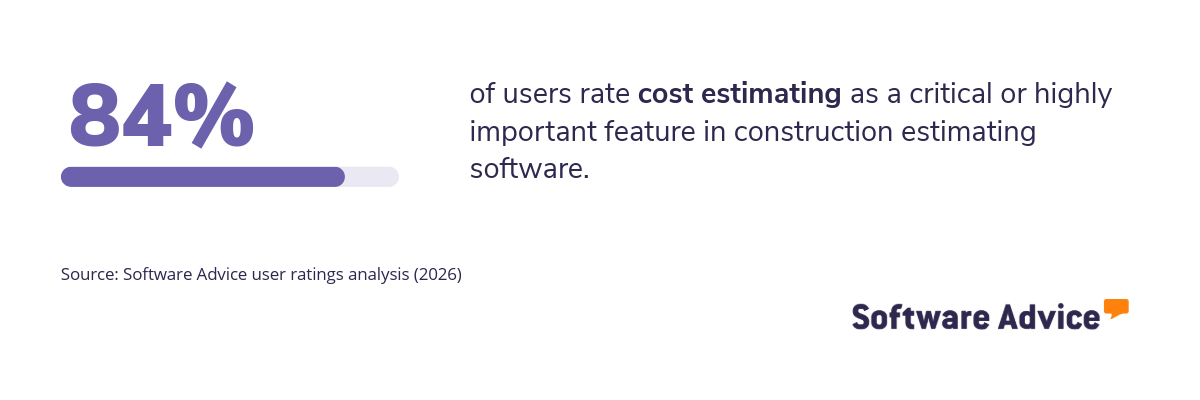
Cost estimating | Estimate-to-reality gap | 84% |
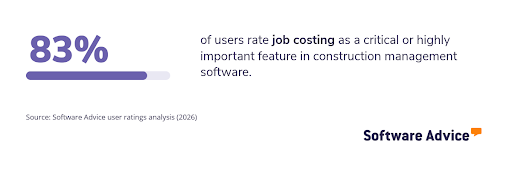
Job costing | Disconnected systems | 83% |
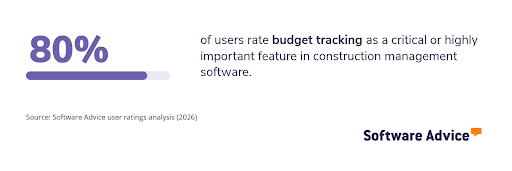
Budget tracking | Delayed visibility | 80% |
Source: Software Advice user ratings analysis (2026)
Feature 1: Multiple projects
What it does:
Multi-project management shows budget status across all active jobs in a single view. You see which projects are on track, which are trending over, and which need immediate attention, without opening each one individually.
Why it matters for budget accuracy:
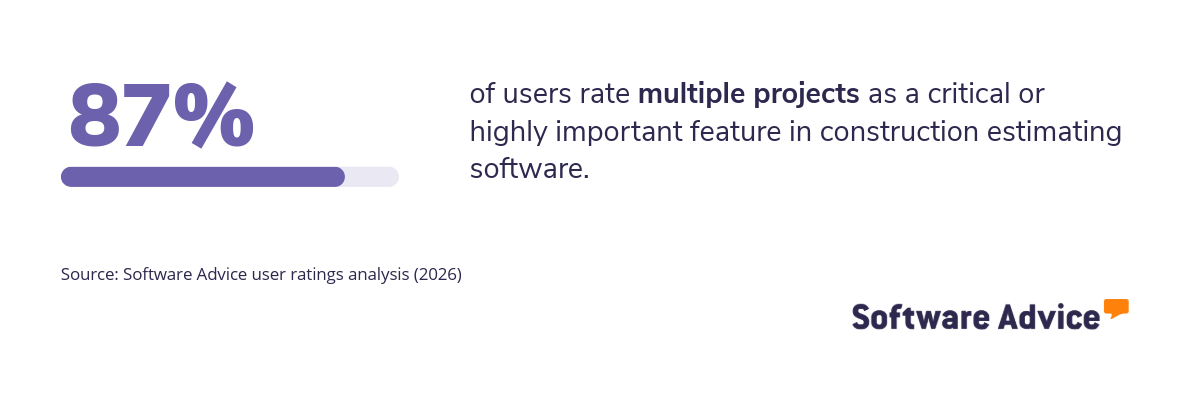
87% of users rate multiple project management as critical or high priority, making it the highest-rated feature in construction estimating software. General contractors don't run one job at a time. They run portfolios, and without a consolidated view, the project that is quietly bleeding cash does not get attention until it is too late.
What to look for in demos:
Ask to see a dashboard with 10 or more active projects. How quickly can you identify which ones are over budget? Can you drill down from the dashboard to the specific cost codes causing the variance? Can you filter by project manager, client, or project type?
Top products for multi-project management:
Analysis performed in February 2026


Feature 2: Cost estimating
What it does:
Cost estimating helps you build accurate project bids by calculating material quantities, labor hours, and equipment costs. It pulls from historical data, supplier pricing, and standardized cost databases to generate quotes that reflect real-world costs.
Why it matters for budget accuracy:
Your estimate becomes your budget baseline. If the estimate is wrong, the budget is wrong from day one. Software that connects takeoffs to pricing to final quotes reduces the manual errors that create estimate-to-actuals gaps.
What to look for in demos:
Ask how the software handles estimated revisions. When material prices change or scope shifts during bidding, how easily can you update the numbers? Ask to see how an approved estimate converts into a project budget. Every manual step adds risk—remove steps, remove errors.
Top 3 products for cost estimating:
Analysis performed in February 2026


Feature 3: Job costing
What it does:
Job costing tracks costs at the project level, including the initial budgeted costs and any changes that happen along the way, and ties them to your accounting system. Every expense gets coded to a specific job and cost category, so you can see profitability by project, not just company-wide.
Why it matters for budget accuracy:
Without job costing, you know your company made money last quarter, but you don't know which projects made money and which ones lost it. This is also where change orders hit your books. Whether a scope change was formally documented or verbally approved in the field, job costing captures the financial impact so you know your true project cost, not just the original estimate.
This feature bridges the gap between project management and accounting.
What to look for in demos:
Ask which accounting platforms integrate natively. QuickBooks? Sage? Xero? Ask to see how cost codes map between systems. If mapping requires manual maintenance, it will break. Ask how the system handles the three views construction needs: General ledger, job cost reports, and cash flow.
Top 3 products for job costing:
Analysis performed in February 2026

Feature 4: Budget tracking
What it does:
Budget tracking captures actual costs against your budget in real time. Labor hours, material purchases, equipment rentals, and subcontractor invoices all flow into the system as they happen, giving you a live view of where you stand.
Why it matters for budget accuracy:
Delayed cost data means delayed decisions. If you only see last week's costs on Monday, you have already lost the ability to course-correct. Real-time tracking turns budget management from reactive to proactive.
What to look for in demos:
Ask what the lag time is between a field entry and budget visibility. Ask to see the mobile interface your crews would actually use. If it takes more than 30 seconds to log time or costs, adoption will suffer. Also, ask how the system handles cost overruns. Does it alert you automatically, or do you have to check manually?
Top 3 products for budget tracking:
Analysis performed in February 2026


How should you evaluate construction software?
Features on a website won’t be able to show whether the software will work for your business. Here’s how to evaluate tools during demos and trials.
Questions to ask in every demo:
How does data flow from estimate to budget to actuals? Walk me through a complete project lifecycle.
What is the lag time between field entry and budget visibility?
How do you handle change orders that affect multiple budget line items?
Which accounting platforms integrate natively, and what data does the sync actually include?
Can I see a multi-project view with realistic data volume, not just three demo projects?
What does onboarding look like for a team my size?
For a breakdown of what these tools typically cost, see our .
Red flags to watch for:
The demo only shows single-project workflows
Cost code mapping between systems requires manual maintenance
The mobile app is a separate product with separate pricing
Change orders don’t automatically update the budget
No clear answer on data lag time
Considerations by company size:
Small GCs (under $5M annual revenue): Prioritize ease of use and job costing integration. You likely don't have dedicated project accountants, so the software needs to work for people wearing multiple hats.
Midsize GCs ($5M to $50M): Look for multi-project dashboards and real-time budget tracking. At this scale, you cannot personally check every project daily. The software needs to surface problems automatically.
Large GCs (over $50M): Focus on integration depth and customization. Your workflows are established. The software needs to adapt to you, not force you into a generic process.
Need help finding the right construction budget management tool for your business? Talk to a software advisor who specializes in construction. We will match you with products based on your project volume, team size, and integration requirements. Schedule a free consultation here.
Survey methodology
*Key features: To identify the key features of this article, we asked users to rate, on a scale of “low importance” to “critical,” how important different features are for construction management and construction estimating software. The features showcased are those that the highest percentage of reviewers rated as “highly important” or “critical” over the past two years (as of February 02, 2026).