
Best Construction Categories
Best Facilities Management Categories
Best Human Resources Categories
Best Legal Management Categories
Best Manufacturing Categories
Best Medical Categories
Best Property Management Categories
Get 1-on-1 advice in 15 minutes. It's free.

Josh P.

5 Key Medical Appointment Scheduling Software Features With Top Products That Offer Them
Packed calendars, last-minute cancellations, and constant rescheduling leave little time for actual patient care. Clinics that rely on manual processes or basic tools often experience operational bottlenecks. But manual processes or basic tools can slow operations, cause double bookings, and keep staff on the phone rather than supporting patient care.
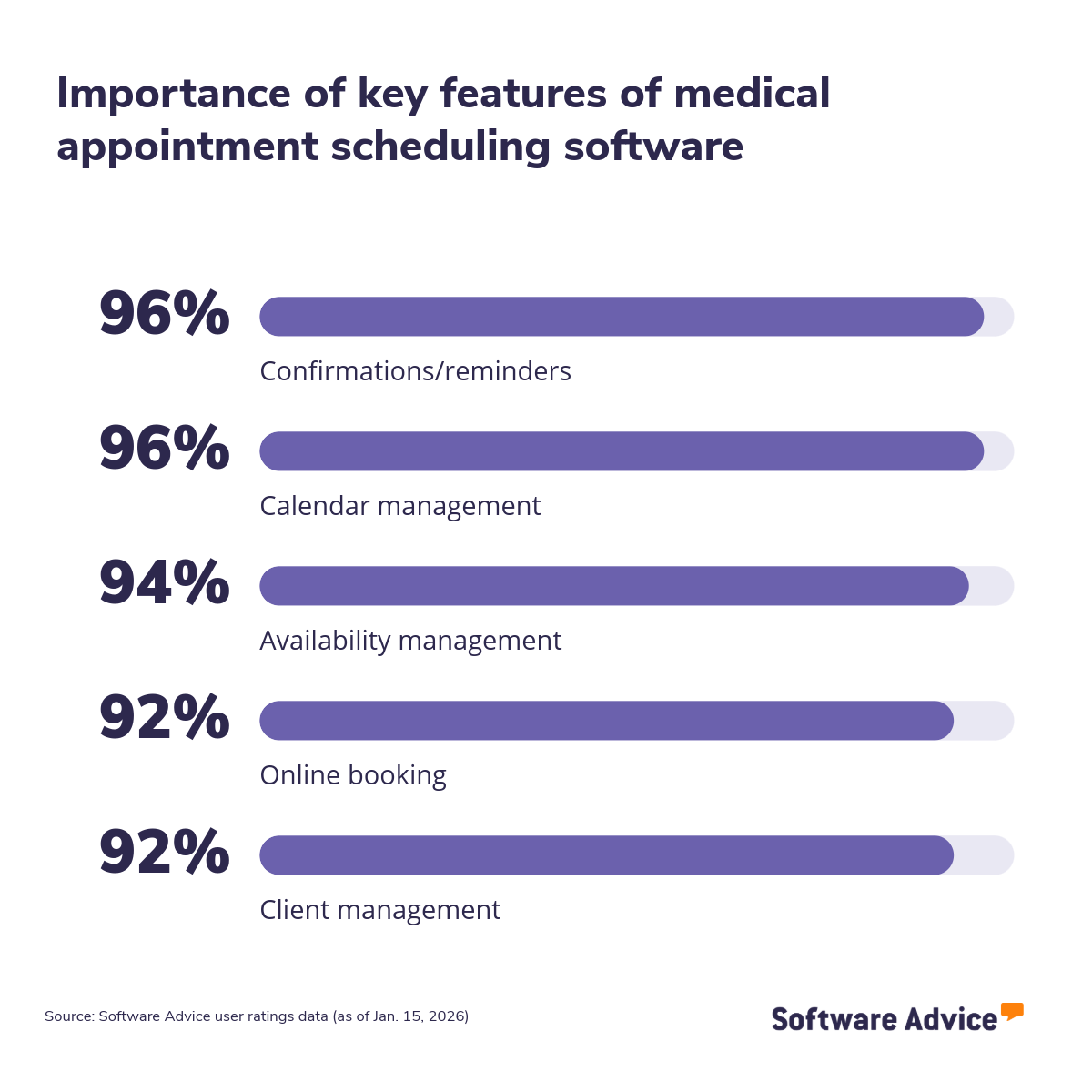
This article outlines five key features to consider when evaluating medical scheduling software, drawing on verified user ratings. Each section explains how these features help clinics reduce administrative work, improve patient communication, and offer a smoother booking experience. You’ll also find top‑rated medical appointment scheduling tools for each feature to support your evaluation. Read more.
5 key medical scheduling software features
1. Confirmations/reminders
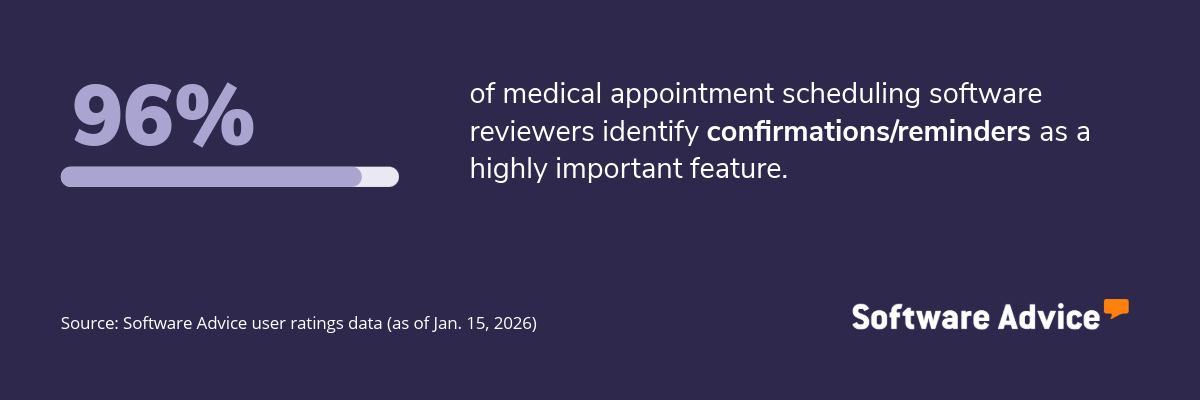
The confirmations/reminders feature in medical scheduling software helps practitioners reduce no‑shows and keep appointments on track. It sends automated messages, such as booking confirmations, upcoming appointment reminders, and follow‑up notifications, through channels like email or text. These timely prompts keep patients informed, reduce manual outreach, and give clinics better control over their daily schedules.
What business problems do confirmations/reminders solve?
The confirmations/reminders feature helps clinic administrators and healthcare providers solve the following challenges:
High no-show rates: Patients often forget their upcoming appointments, leaving vacant slots and reducing daily revenue. The confirmations/reminders feature sends automated alerts before each scheduled visit, encouraging patients to confirm, reschedule, or cancel in advance.
Last‑minute cancellations: Clinics frequently face cancellations made too close to the appointment time, leaving little time to reassign the slot. Automated reminders prompt patients early, giving them a chance to update their plans.
Administrative burden on staff: Front-desk teams often spend hours manually calling, texting, or emailing patients. The confirmations/reminders feature automates this outreach, reducing repetitive tasks and freeing staff to focus on patient intake, billing, and other operational duties.
How users benefit from confirmations/reminders
Here are some excerpts from the reviewers of the confirmations/reminders feature describing how it helps them:
“It allows lots of customizations, you can set up one time links for specific situations, it sends reminders to attendees, and allows me to ask questions of the person making the appointments if I want them.”
“The client gets reminders too which helps with no show appointments.”
“My clients loved that they would get a reminder before their appointments.”
Top 3 products with the highest ratings for confirmations/reminders
*Analysis performed January 2026


2. Calendar management
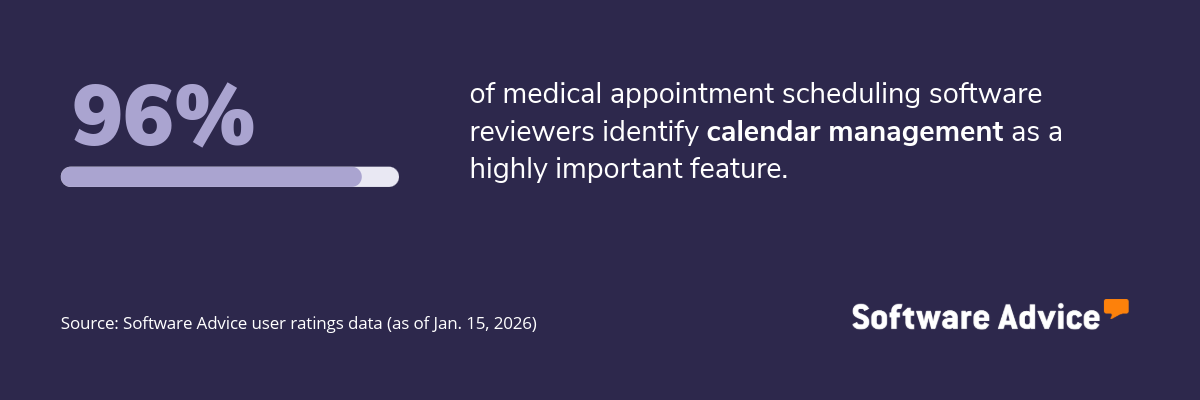
The calendar management feature ensures that medical appointment scheduling software keeps all appointments organized, visible, and easily adjustable across a clinic’s daily workflow. It allows providers to view schedules in real time, track open and booked slots, and switch between individual and multi-provider calendars. This centralized view helps avoid overlaps, enhances coordination, and supports a smoother patient flow.
What business problems does calendar management solve?
The calendar management feature helps practice owners address the following challenges:
Difficulty coordinating multiple providers or rooms: Clinics with several practitioners or treatment rooms often struggle to balance availability and avoid bottlenecks. Calendar management organizes schedules for all providers in one place, allowing staff to switch views, check availability, and allocate rooms or equipment as needed.
Limited visibility into daily workload: Without a clear picture of booked and open slots, clinics may experience unpredictable workloads, disrupting patient flow and increasing wait times. Calendar management tools provide updated schedules throughout the day, enabling teams to anticipate busy periods, allocate resources effectively, and maintain steady operations.
Inefficient rescheduling or cancellations: Manually changing an appointment can create gaps, lead to miscommunication, or result in missed updates. Calendar management simplifies these adjustments by updating schedules instantly when a patient cancels or reschedules an appointment.
How users benefit from calendar management
Here are some excerpts from the reviewers of the calendar management feature describing how it helps them:
“The calendar is clear, I can change or add activities in seconds, and the support is always quick and friendly.”
“It syncs nicely with your chosen calender and shows your own availability prior to sending out.”
“no complaints at all - this calendar system works well for our small office environment by allowing a visual for monthly events.”
Top 3 products with the highest ratings for calendar management
*Analysis performed January 2026


3. Availability management
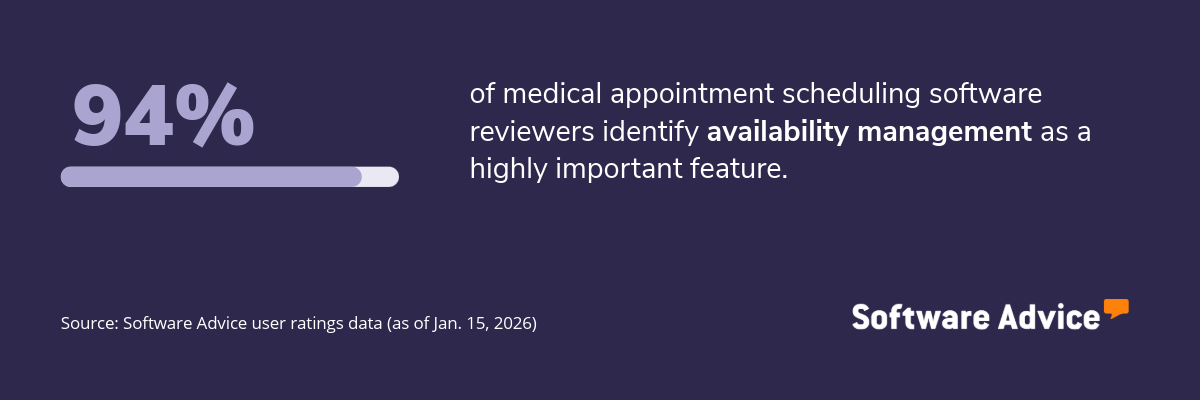
The availability management feature helps clinics maintain accurate, up‑to‑date visibility of when providers, rooms, and resources are free. It allows practitioners to set working hours, block time for breaks or procedures, and adjust schedules in real time based on their needs. This feature also updates open and unavailable slots automatically when appointments are added, moved, or canceled.
What business problems does availability management solve?
The availability management feature helps front-desk staff and clinic managers solve the following challenges:
Inconsistent provider availability: Clinics often struggle to keep track of changing provider hours, vacation days, or blocked times. Availability management enables staff to set and update working hours, breaks, and time-off blocks in real time.
Scheduling gaps that lower productivity: Without clear visibility of open slots, clinics may have long gaps between appointments or uneven patient flow. Availability management updates open and blocked times automatically as appointments are added or moved.
Difficulty matching appointments with the right resources: Clinics often need to align each appointment with a specific provider, room, or piece of equipment. Availability management centralizes this information and displays when each resource is free.
How users benefit from availability management
Here are some excerpts from the reviewers of the availability management feature describing how it helps them:
“It enables seamless sharing of availability with clients or teammates to book time without back-and-forth emails, while its integration to popular calendars and video tools works particularly well.”
“the ability to embed my calendar into our website allows clients to view my availability saving time emailing back and forth with dates.”
“The most important feature for is the way I can collaborate with my colleagues, it offers many customization options for events scheduling, invite others and manage shared calendar entries.”
Top 3 products with the highest ratings for availability management
*Analysis performed January 2026


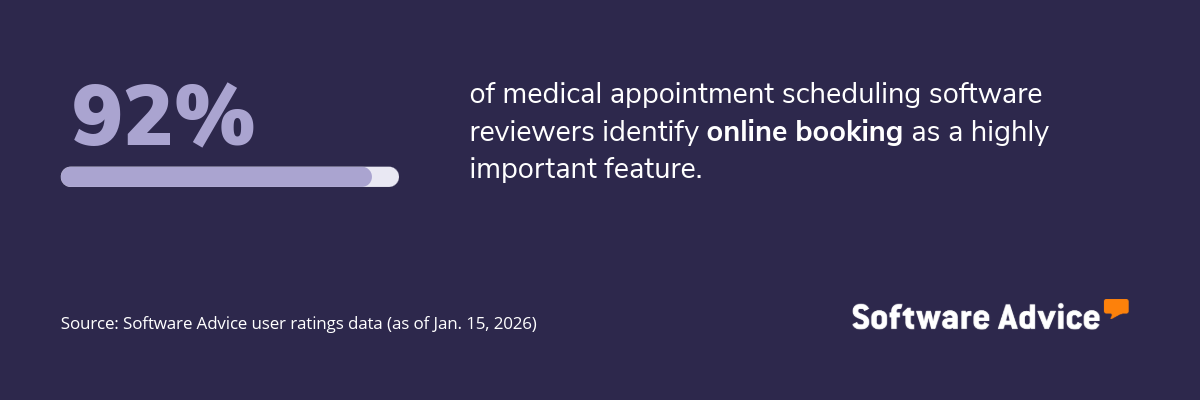
4. Online booking
The online booking feature allows patients to schedule appointments without calling or visiting the clinic. It uses a self-service interface that lets patients view available time slots, select a provider, and book appointments at their convenience. This feature updates the schedule in real time, helping clinics avoid conflicts and reducing staff's manual booking workload.
What business problems does online booking solve?
The online booking feature helps clinic coordinators and operations leads address the following challenges:
Errors caused by manual data entry: Manual scheduling can lead to double bookings, incorrect appointment times, or incomplete patient information. Online booking minimizes these issues by updating availability in real time and capturing appointment details directly from the patient.
Inconsistent patient flow: When clinics rely solely on calls or walk‑ins, appointment demand can be concentrated at certain times of day, creating peaks and slow periods. Online booking spreads scheduling activity throughout the day, giving clinics a steadier flow of appointments and making daily operations more straightforward to manage.
Long wait times due to scheduling bottlenecks: When staff handle a surge of calls during busy hours, patients may experience long waits or abandon the call altogether. Online booking bypasses these bottlenecks by giving patients instant access to available slots.
How users benefit from online booking
Here are some excerpts from the reviewers of the online booking feature describing how it helps them:
“Easy to book appointments. And can give patients the website where they can book from easily.”
“It has help me to organize my business and present a professional service from booking to appointment notes to setting financial goals”
“Its easy to book in an appointment, its very interactive and takes the stress away from organising and following up with clients due to the vast range of messages and reminders you can send.”
Top 3 products with the highest ratings for online booking
*Analysis performed January 2026
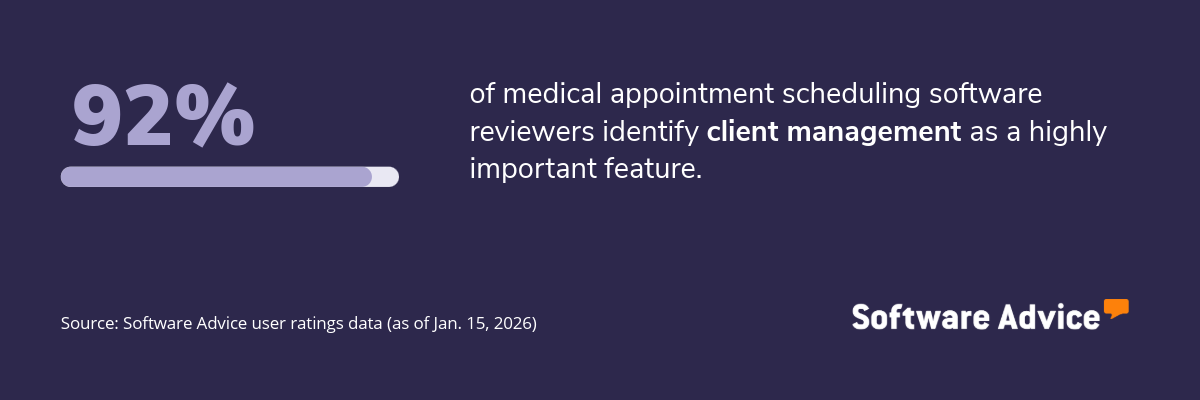
5. Client management
The client management feature enables providers to organize and access patient information in one centralized location. It stores key details such as contact information, visit history, appointment notes, and communication preferences, making it easier for clinics to keep records up to date. This feature also helps staff track patient interactions, manage follow‑ups, and prepare for upcoming visits with relevant context.
What business problems does client management solve?
The client management feature helps medical practitioners solve the following challenges:
Fragmented patient information: Clinics often store patient details across paper files, spreadsheets, or different systems, making it difficult to access accurate information quickly. Client management centralizes contact information, visit history, and notes in one location, giving providers immediate access to the data they need during appointments or follow-ups.
Time-consuming record updates: Manually updating records is time-consuming and increases the risk of inconsistent or incomplete data. Client management tools streamline this by allowing staff to add notes, update patient details, and record visit outcomes directly within the system.
Difficulty tracking patient history: Without a consistent record of past visits, treatment notes, or communication logs, providers may lack essential context for patient care. Client management maintains an organized timeline of interactions, giving practitioners a clear view of patterns, past treatments, and upcoming needs.
How users benefit from client management
Here are some excerpts from the reviewers of the client management feature describing how it helps them:
“Sharing my availability and collaborating with clients is a breeze, and it's all really easy to use, witch is ace”
“I love that the app also allows me to texts my clients without using my personal number.”
“The software was easy to set up, customize, and I love having all of my client info (secure intake forms and notes, packages, gift certificates, communications) all in one place.”
Top 3 products with the highest ratings for client management
*Analysis performed January 2026

Survey methodology
Key features: To identify the key features of this article, we asked users to rate each feature on a scale from “low importance” to “critical” for appointment scheduling software. The features showcased are those that the highest percentage of reviewers rated as “highly important” or “critical” over the past two years (as of Jan. 15, 2026).
Feature eligibility: To be included in the set of features considered, a given feature had to have at least 200 user ratings within the past two years (as of Jan. 15, 2026), of which at least 20% must indicate the feature is “critical.” Eligible features were determined from two sources:
Our research team’s review of public information on appointment scheduling software, including definitions and associated features.
Reviewers’ indication of the features they use for appointment scheduling.
Product selection: To identify the top-rated products for each feature, we evaluated user ratings for products that offer that feature. For a given product, reviewers rate each feature on a scale of one to five stars. A given product had to have at least 20 user ratings (between Jan. 2024-26) for the feature in question to be considered.