
Best Construction Categories
Best Facilities Management Categories
Best Human Resources Categories
Best Legal Management Categories
Best Manufacturing Categories
Best Medical Categories
Best Property Management Categories
Get 1-on-1 advice in 15 minutes. It's free.

Josh P.

5 Key Mental Health-Specific Software Features and Top Tools That Offer Them
The right mental health software helps therapists and their practices manage documentation, schedule sessions, protect patient data, and deliver consistent care.
What’s the challenge? With so many options available, it's hard to know which features truly matter for your practice. Understanding these essentials helps small and midsize behavioral health clinics choose tools that fit their workflows, staff capacity, and patient load while avoiding costly implementation mistakes.
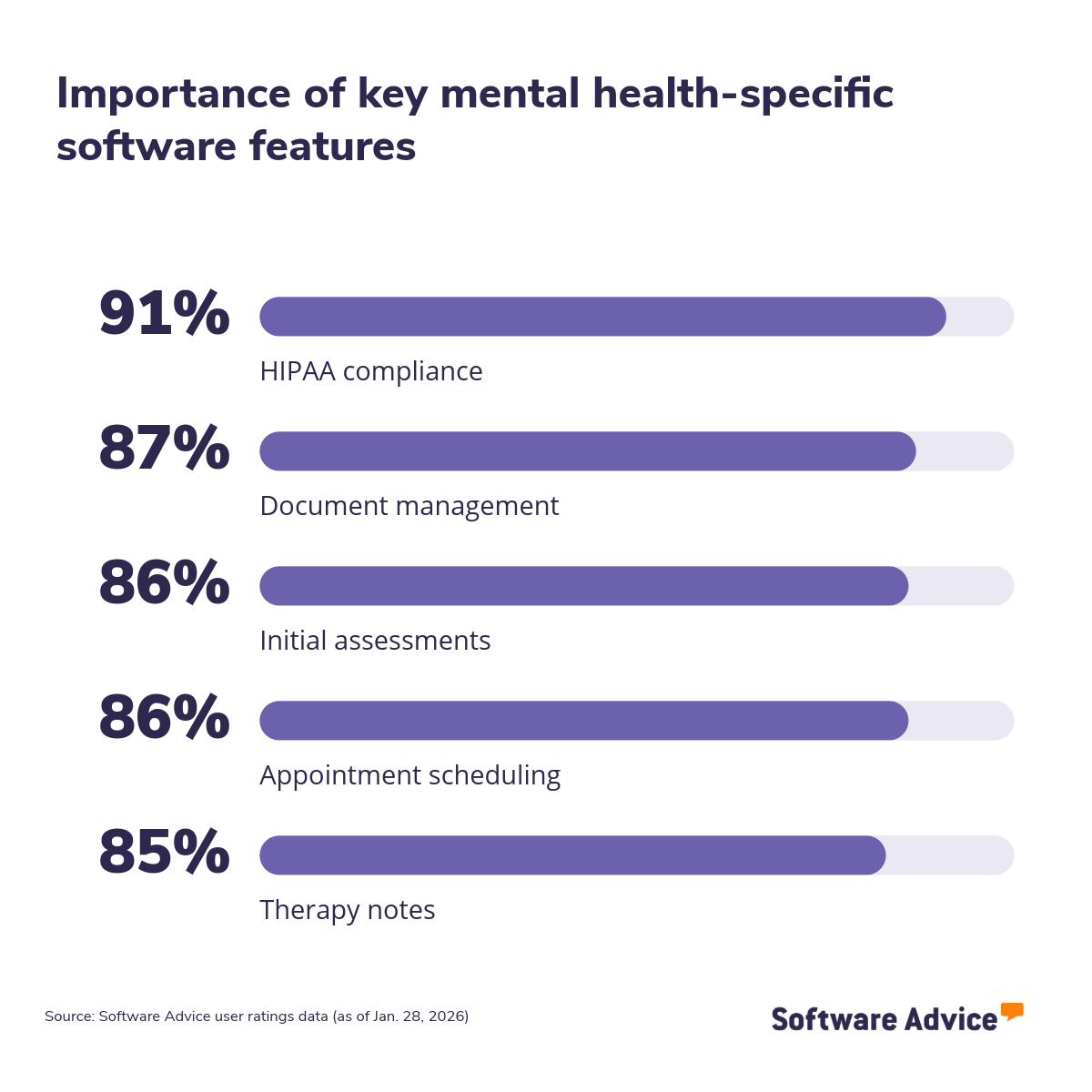
Why should you read this article? To support software evaluation, this article highlights the five mental health‑specific software features that reviewers rated as the most important. Each section explains what the feature does, which business problems it solves, how users benefit, and which products earned the highest ratings for that capability.
These insights can help your clinic narrow options, avoid paying for unnecessary functionality, and focus on tools that strengthen both clinical workflows and patient experience. Read more.
5 key mental health-specific software features
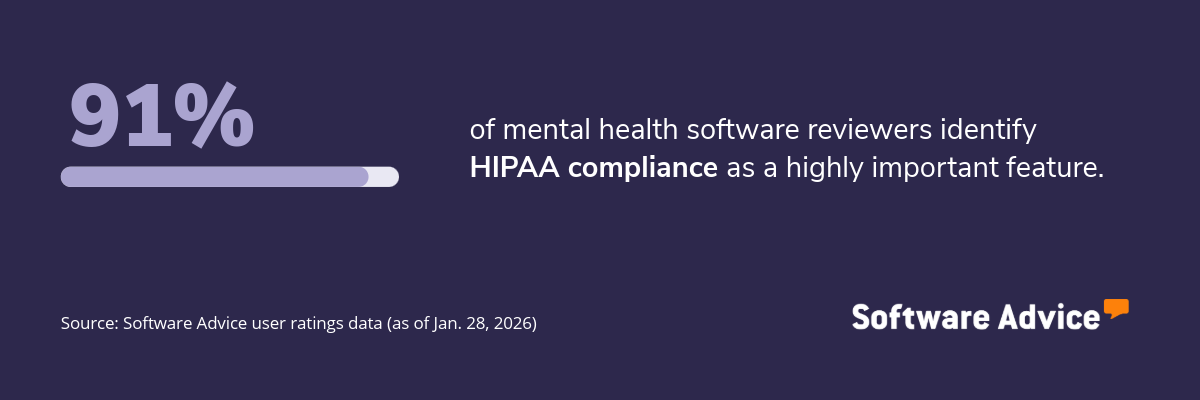
1. HIPAA compliance
The Health and Insurance Portability and Accountability Act (HIPAA) compliance feature in mental health software safeguards protected health information (PHI) through encryption, role‑based access controls, secure data transmission, and audit logging tools. These security features reduce the risk of unauthorized access, data exposure, and legal penalties while supporting consistent, compliant handling of patient records.
What business problems does HIPAA compliance solve?
HIPAA compliance helps behavioral health practices address the following challenges:
Data breaches: Without proper safeguards, sensitive patient information can be exposed. HIPAA-aligned tools use encryption, role‑based access controls, and secure data handling practices to protect information from both internal and external risks.
Uncertain legal and regulatory obligations: Many SMBs struggle to interpret evolving compliance rules. Modern EMRs continuously map HIPAA requirements to workflow logic, auto‑applying policy updates (e.g., access controls, session timeouts, encryption) and prompting users with rule‑aware alerts, so teams don’t have to manually track and implement changes.
Lack of visibility into data access and usage: Mental health practices often lack clear audit trails showing who accessed patient files and when. HIPAA‑compliant tools provide audit logs, reporting dashboards, and timestamp tracking to support investigations and enhance accountability.
How users benefit from HIPAA compliance
Here are some excerpts from reviewers of the HIPAA compliance feature describing how it helps them:
“HIPAA compliance in Electronic Health Records (EHR) is crucial as it ensures patient data confidentiality and security. It's a legal requirement that protects both the patient's privacy rights and the healthcare provider's integrity.”
“It help us to complain with the national standards to protect our patients PHI. It improves healthcare efficiency, protects patients privacy, and ensures the security of PHI.”
“It keeps the documentation of what the patient is approving when it comes to the release of information where it is to a doctor or a spouse. It keeps in compliance with the provided information as well as the legal compliance of HIPAA.”
Top 3 products with the highest ratings for HIPAA compliance
*Analysis performed in January 2026

HIPAA compliance feature rating: 4.96/5

HIPAA compliance feature rating: 4.93/5

HIPAA compliance feature rating: 4.91/5
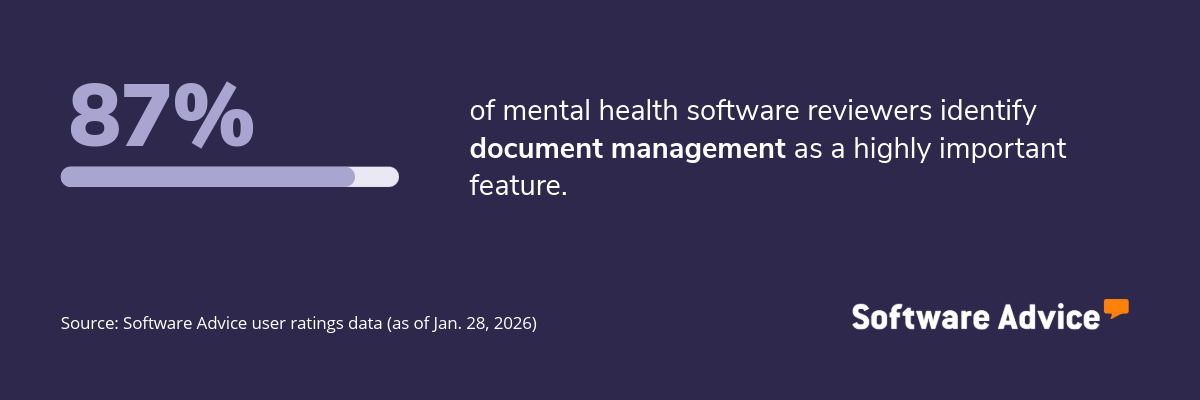
2. Document management
The document management feature helps mental health practices organize, store, and retrieve clinical and administrative files in a centralized, secure system. It supports tasks such as uploading assessments, treatment plans, intake forms, and consent documents while maintaining precise version control, access permissions, and audit trails. This helps practices keep information ordered, accessible, and compliant across patient interactions.
What business problems does document management solve?
The document management feature helps practice owners and administrators address the following challenges:
Fragmented information across tools and locations: Many practices rely on paper files, email attachments, or siloed folders. Document management consolidates all clinical and operational documents into a single location, reducing the time spent searching for records.
Manual and inconsistent documentation processes: Without structure, staff may use outdated forms or store documents inconsistently. A document management system supports standardized templates, naming conventions, and version tracking to ensure accuracy.
Limited visibility into document access and updates: Practices often lack insight into who viewed or modified files. Document management features provide permissions settings and audit trails that help maintain accountability and support compliance needs.
How users benefit from document management
Here are some excerpts from reviewers of the document management feature describing how it helps them:
“Document management streamlines the organization, retrieval, and sharing of patient records, improving efficiency and enhancing collaboration within healthcare teams.”
“Document management is highly important to me. I navigate the administrative side to our practice and it is critical I have access to all documents and files.”
“Document management has a significant impact by providing a centralized, efficient system for storing, organizing, and delivering documents alongside images and videos.”
Top 3 products with the highest ratings for document management
*Analysis performed in January 2026
Document management feature rating: 4.78/5

Document management feature rating: 4.72/5

Document management feature rating: 4.71/5
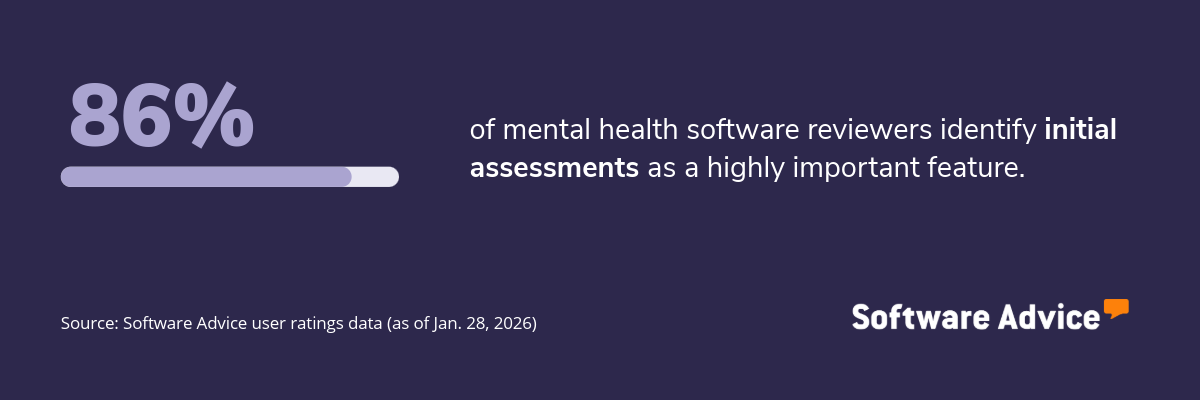
3. Initial assessments
The initial assessments feature helps clinics capture a patient’s baseline information, symptoms, history, and treatment needs in a structured format at the start of care. It standardizes intake workflows by collecting data through digital forms, questionnaires, screening tools, and clinician notes, giving practitioners a clear starting point for diagnosis and treatment planning.
What business problems do initial assessments solve?
The initial assessments feature helps practitioners and clinic managers solve the following challenges:
Inconsistent intake processes: Many practices rely on varied paper forms or ad‑hoc interviews, which can lead to gaps in patient history. Standardized assessment templates ensure that clinicians gather consistent, relevant details across all intakes.
Limited visibility into a patient’s baseline condition: Without formal documentation of symptoms and history, it becomes difficult to track progress over time. Digital assessments create a structured record that clinicians can reference when evaluating treatment effectiveness.
Time‑consuming manual data entry: Paper-based assessments require staff to enter data manually, which can eat up valuable hours. Digital assessments automate data capture, reducing administrative time and lowering the risk of transcription errors.
How users benefit from initial assessments
Here are some excerpts from reviewers of the initial assessments feature describing how it helps them:
“Initial assessments are designed to capture comprehensive client data efficiently and compliantly. - Supports DSM-5-aligned diagnostic input and psychosocial history. - Automatically populates treatment planning fields based on assessment.”
“Assessments are important because they are the foundation of our work with clients. Making the client history form they fill out before the first session import into our clinical document is super helpful.”
“The initial assessment note can be customized in several ways, and sections can be easily accessed from other patient chart areas. Reminders for reassessment can also be set up.”
Top 3 products with the highest ratings for initial assessments
*Analysis performed in January 2026
Initial assessments feature rating: 4.95/5
Initial assessments feature rating: 4.74/5
Initial assessments feature rating: 4.72/5
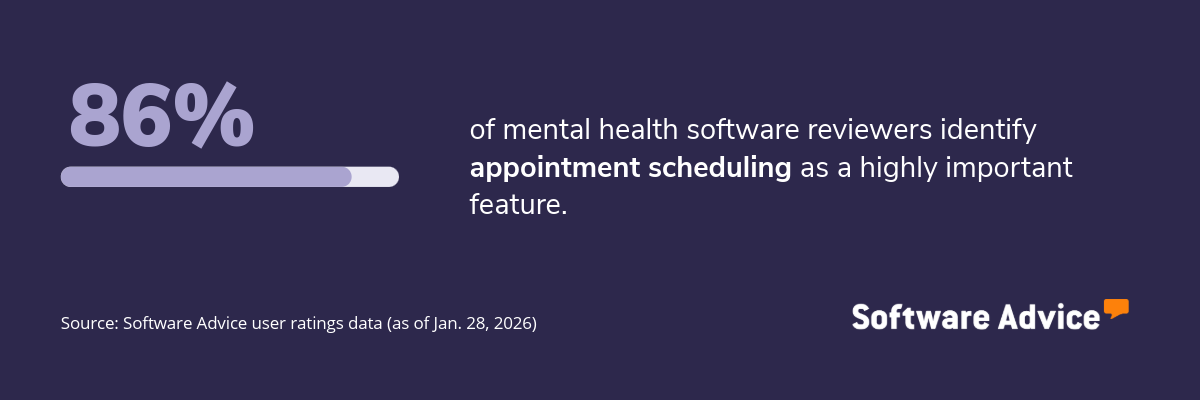
4. Appointment scheduling
The appointment scheduling feature helps clinics manage session availability, book appointments, and coordinate calendars across providers and patients. It supports functions such as creating recurring sessions, managing cancellations, sending automated reminders, and syncing schedules across devices. This helps practices keep calendars organized and reduce administrative back‑and‑forth.
What business problems does appointment scheduling solve?
The appointment scheduling feature helps clinic coordinators and operations leads address the following challenges:
Manual and time‑intensive booking workflows: Without a centralized tool, staff spend significant time coordinating appointments by phone or email. Digital scheduling streamlines the process by allowing administrators and patients to view availability and book directly.
High no‑show rates and last‑minute cancellations: Missed appointments disrupt caseloads and reduce revenue. Automated reminders and confirmation prompts help patients stay informed and minimize scheduling gaps.
Double‑booking or calendar inaccuracies: Clinics using paper calendars or disconnected tools risk overlapping appointments or outdated availability. A shared scheduling system updates information in real time, lowering the chance of conflicts.
How users benefit from appointment scheduling
Here are some excerpts from reviewers of the appointment scheduling feature describing how it helps them:
“Appointment scheduling system streamlines clinical operations by integrating calendars, reminders, and billing triggers directly into the EHR. Reduces administrative burden by automating confirmations and follow-ups.
“Having the ability to create how our schedule looks was really important. We are able to have the appointment types, which colors and time length that work best for our work flow.”
“Providers/admin can create appointments with clients, however, clients are unable to request to see their provider unless they get in direct contact with provider or front desk. Helpful to have platform that opens that communication.”
Top 3 products with the highest ratings for appointment scheduling
*Analysis performed in January 2026

Appointment scheduling feature rating: 4.80/5

Appointment scheduling feature rating: 4.50/5
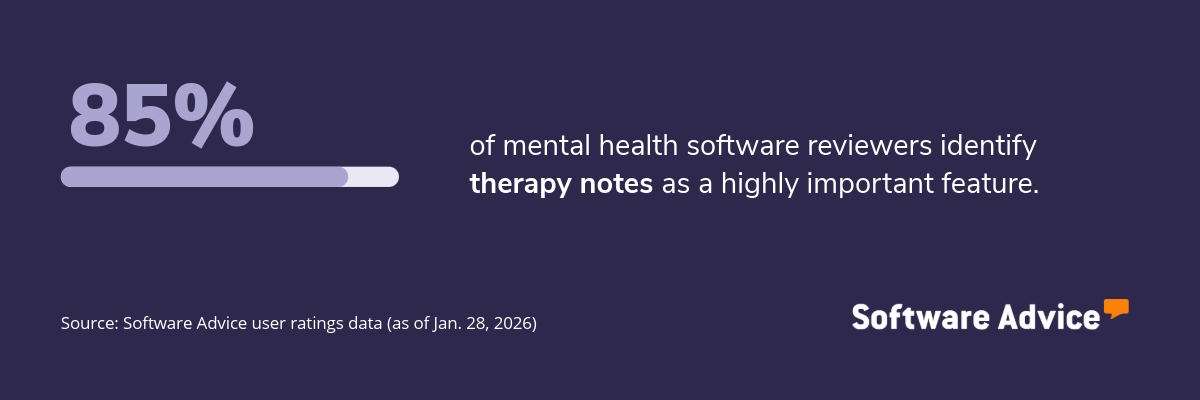
5. Therapy notes
The therapy notes feature allows providers to document session details, clinical observations, treatment progress, and follow‑up plans in a structured and secure format. It supports note types such as subjective, objective, assessment, and plan (SOAP), data, assessment, and plan (DAP), and progress notes, helping clinicians maintain accurate, timely, and compliant records across the treatment timeline.
What business problems does therapy notes solve?
The therapy notes feature helps practitioners solve the following challenges:
Inconsistent or incomplete documentation: Without standardized templates, notes vary in detail and structure, making it harder to track progress. Therapy notes provide consistent formats that guide clinicians through required fields.
Difficulty tracking treatment progress over time: Paper notes or unstructured digital files make longitudinal review difficult. Digital therapy notes organize documentation chronologically, allowing providers to compare sessions and adjust treatment plans quickly.
Time‑consuming manual writing processes: Clinicians often spend significant time typing or rewriting notes. Built‑in templates, autofill capabilities, and pre‑loaded clinical phrases help speed up documentation.
How users benefit from therapy notes
Here are some excerpts from reviewers of the therapy notes feature describing how it helps them:
“I have my notes all in one place and it is easy to do all I need to do, such as put down times; make sure I complete necessary items for compliance and billing. I can also easily print them out for reviews.”
“Notes are required by insurance companies, are used to record therapy sessions for reference and to ensure my safety and security of the therapeutic work and interventions used as a therapist.”
“we can see all session notes and request corrections or missing notes right from the program. Our therapists receive notifications and we can see when they corrected the notes.”
Top 3 products with the highest ratings for therapy notes
*Analysis performed January 2026

Therapy notes feature rating: 4.85/5
Therapy notes feature rating: 4.75/5

Therapy notes feature rating: 4.43/5
Survey methodology
Key features: To identify the key features of this article, we asked users to rate, on a scale of “low importance” to “critical,” how important different features are for mental health software. The features showcased are those that the highest percentage of reviewers rated as “highly important” or “critical” over the past two years (as of Jan. 28, 2026).
Feature eligibility: To be included in the set of features considered, a given feature had to have at least 200 user ratings within the past two years (as of Jan. 28, 2026), of which at least 20% must indicate the feature is “critical.” Eligible features were determined from two sources:
Our research team’s review of public information about mental health software usage, definitions, and associated features.
Reviewers’ indication of the features they use for mental health.
Product selection: To identify the top-rated products per feature, we evaluated user ratings for products that offer each feature. For a given product, reviewers rate each feature on a scale of one to five stars. A given product had to have at least 20 user ratings (between Jan. 2024-26) for the feature in question to be considered.